Views: 0 Author: Site Editor Publish Time: 2026-11-16 Origin: Site


A well-designed modular workstation is more than a desk with a few accessories. It is a coordinated system of structural supports, panels, storage, power solutions, and functional accessories. The right Office Furniture Components help manufacturers create workspaces that are adaptable, organized, and easier to configure for different office environments.
For office furniture manufacturers, workstation manufacturers, and furniture distributors, understanding how these components work together is essential. Instead of designing every workstation as a fixed unit, modular construction lets you combine, adjust, and expand individual elements to meet changing workspace requirements.
Office furniture components are the individual parts and accessories used to build, configure, and enhance office furniture. They include both structural elements and functional additions that support everyday workplace activities.
In a modular workstation system, these components typically include:
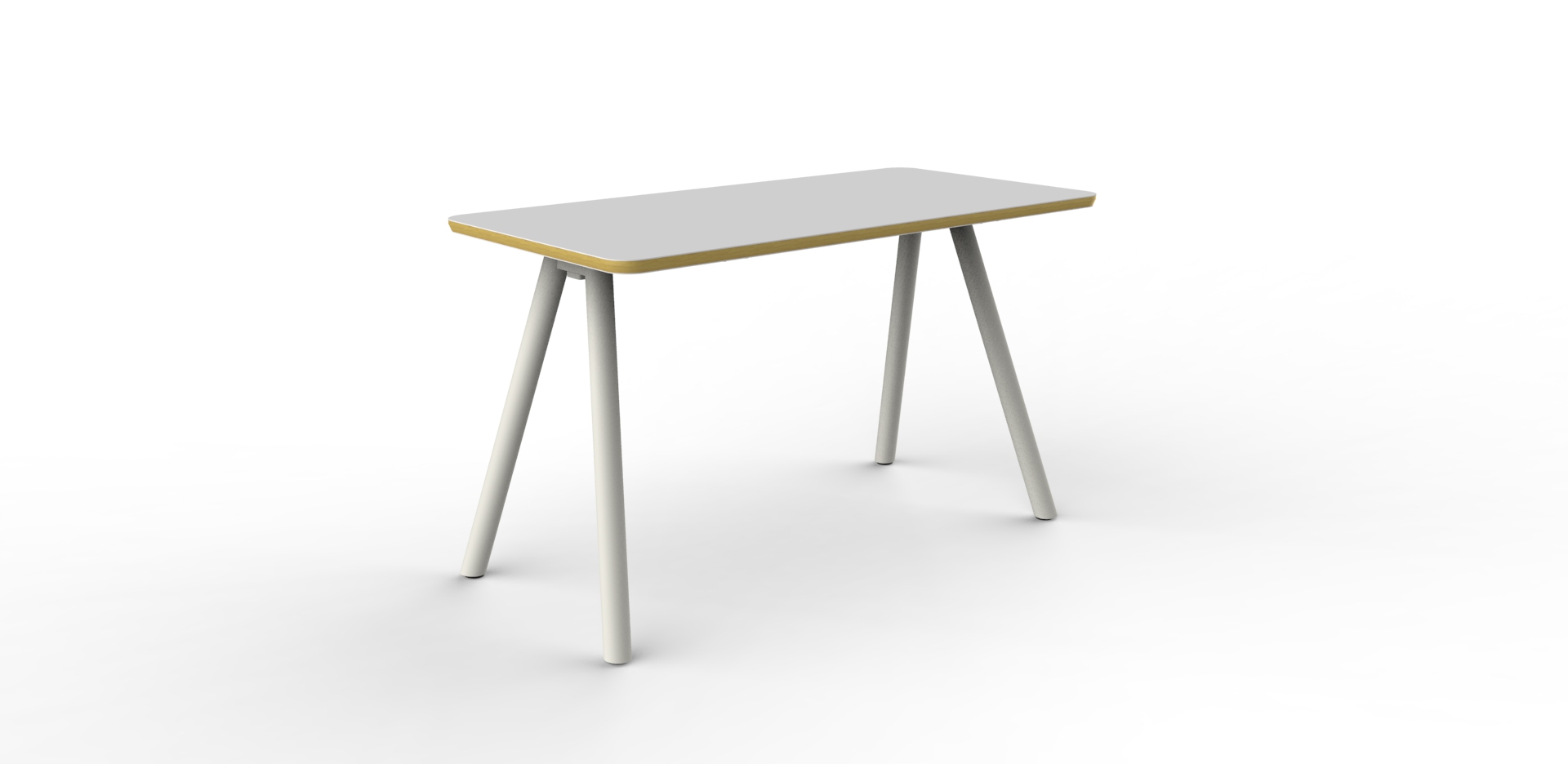
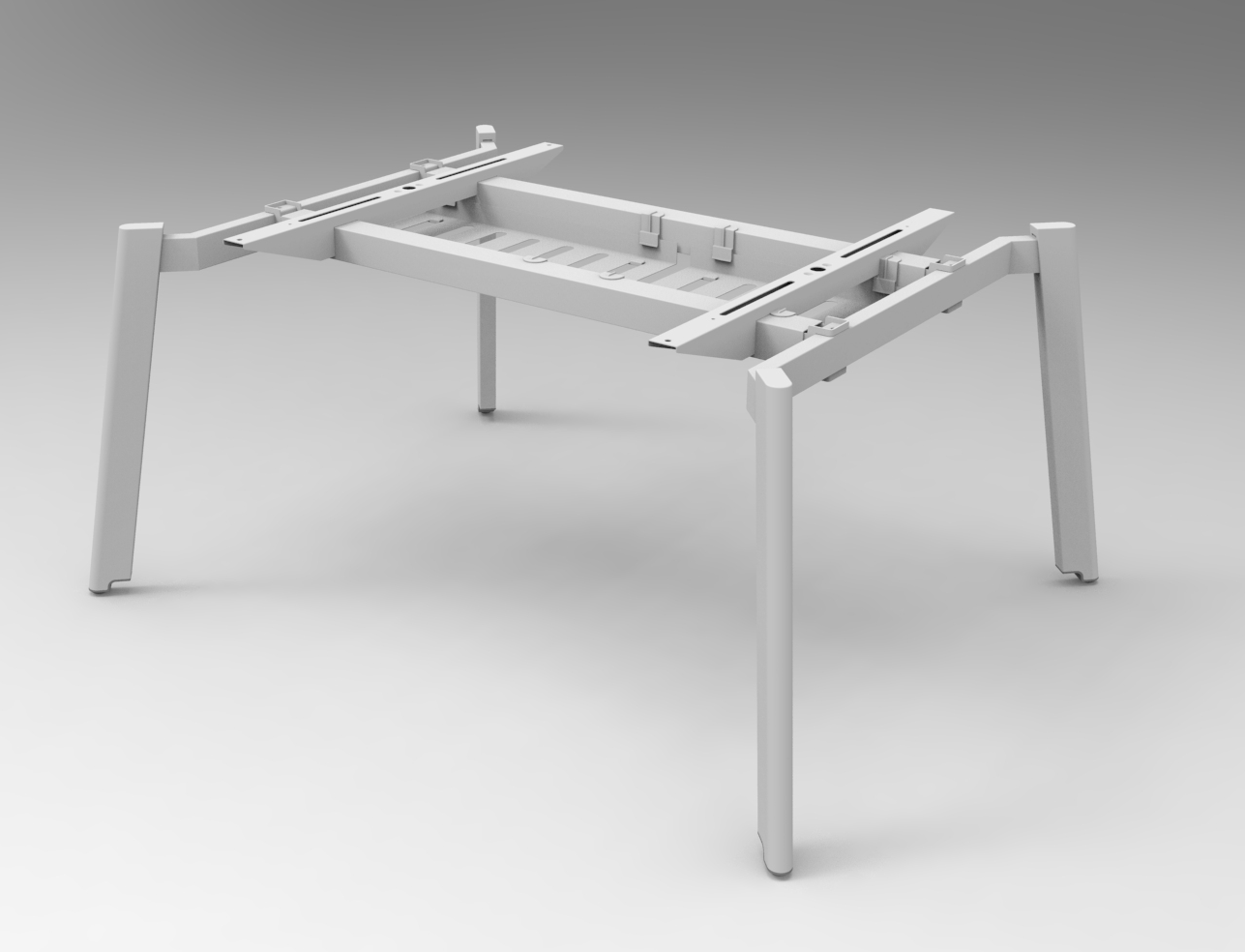
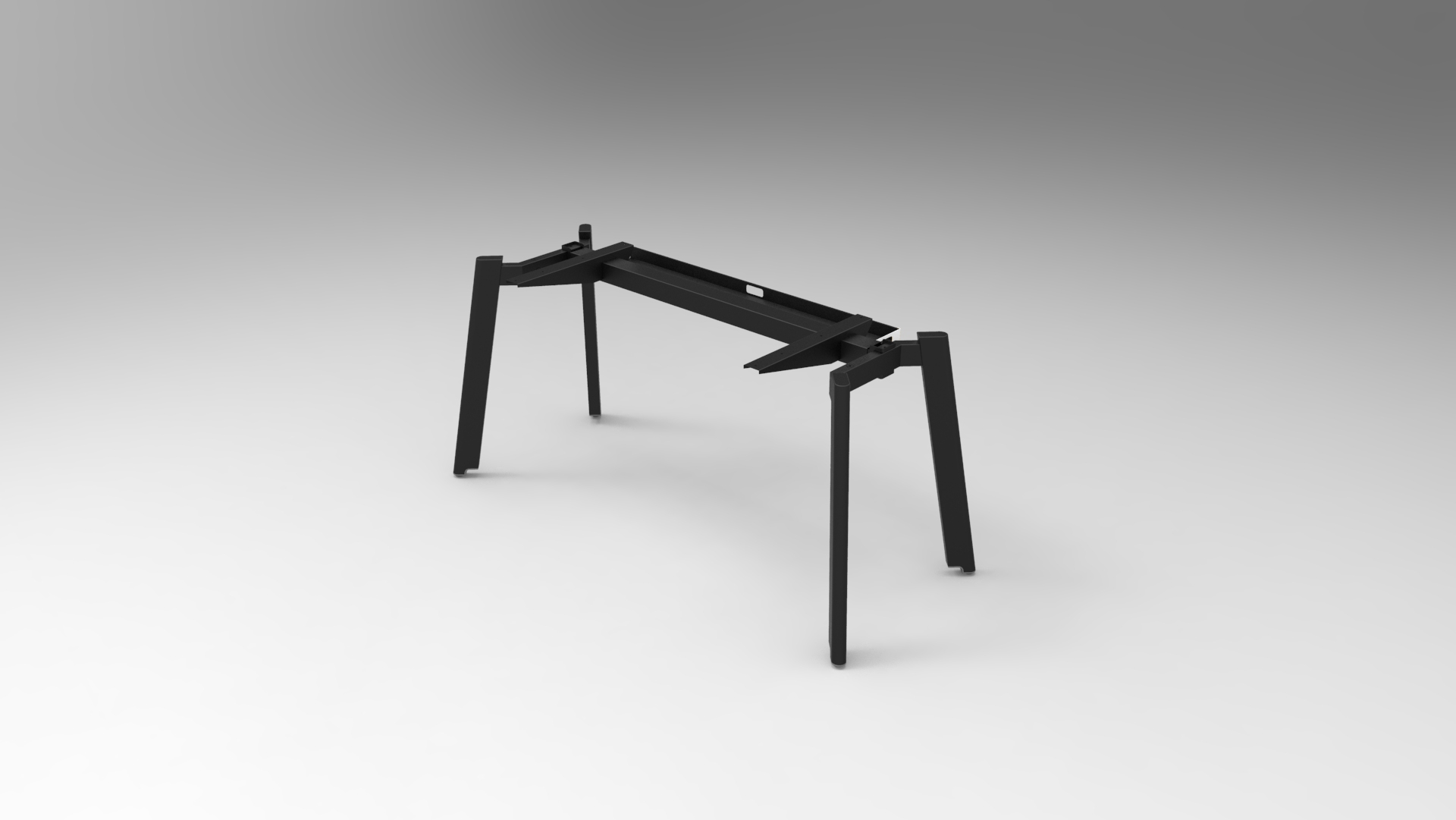
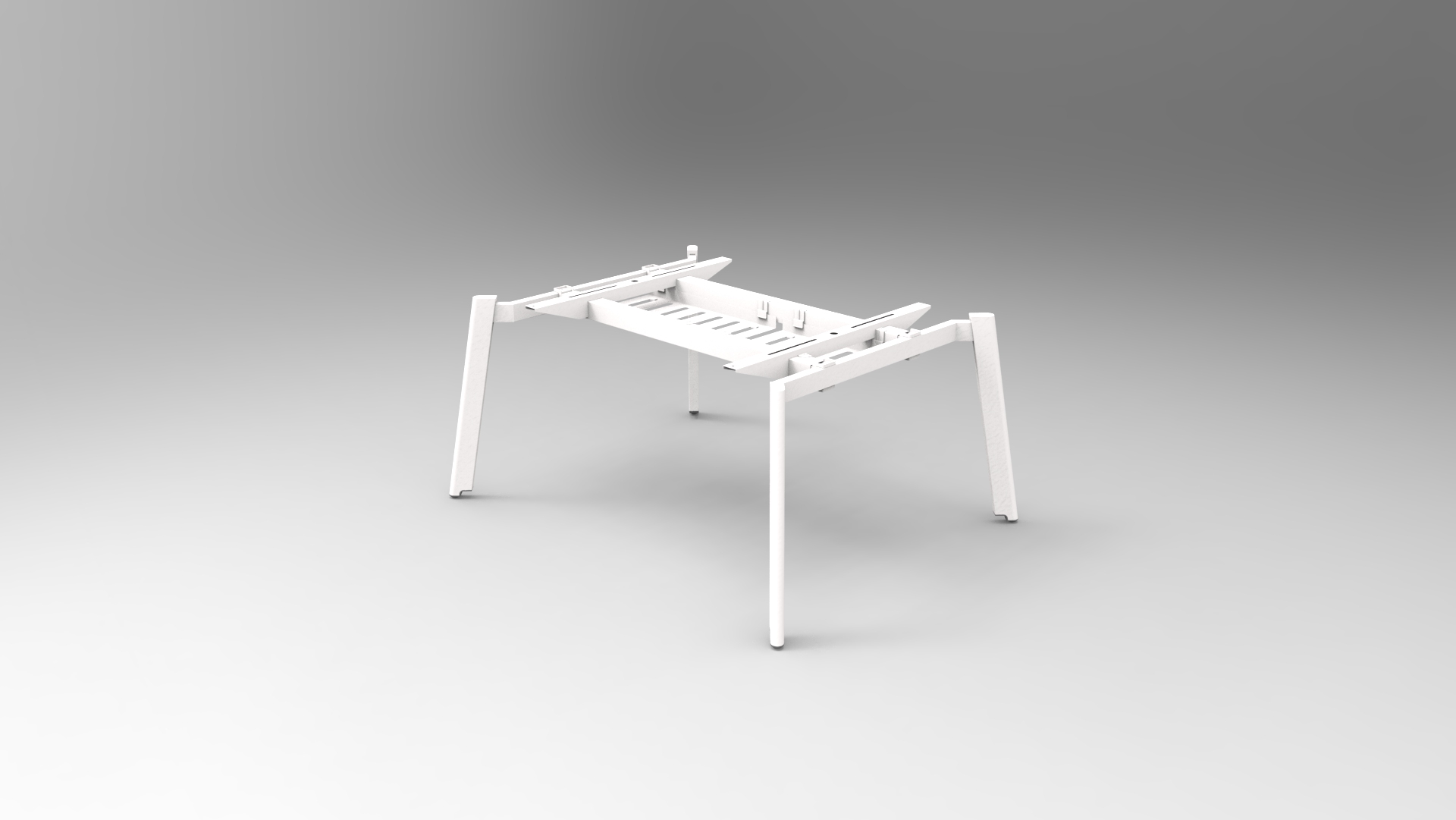
Desk legs, table bases, and bench frames
Partition panels, workstation screens, and mounting hardware
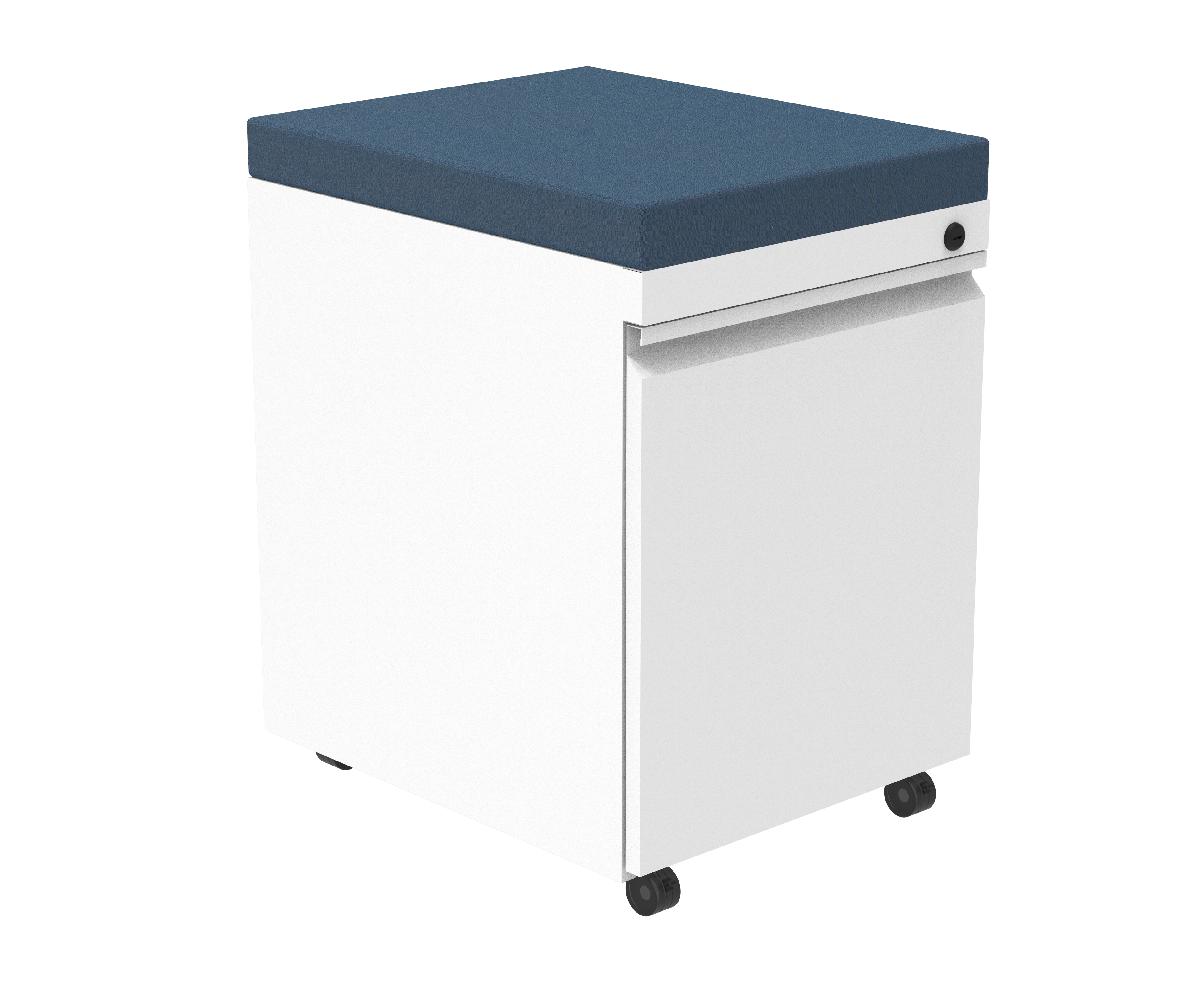
Pedestals and under-desk storage
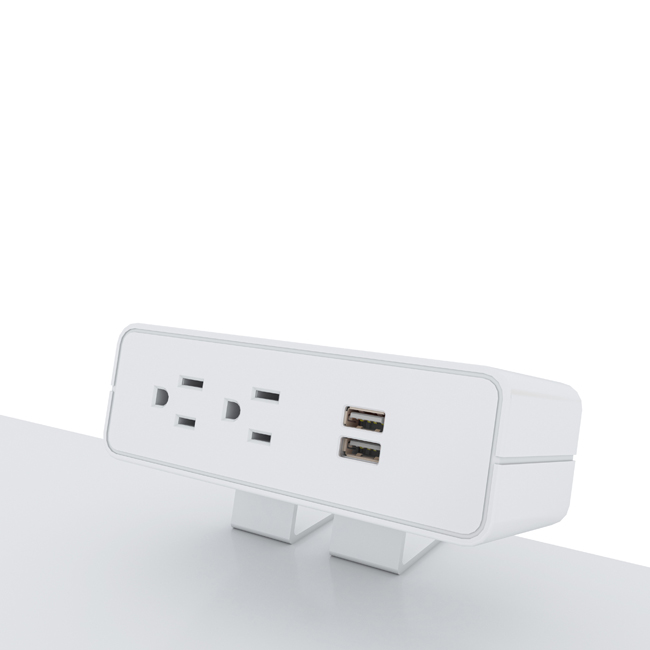
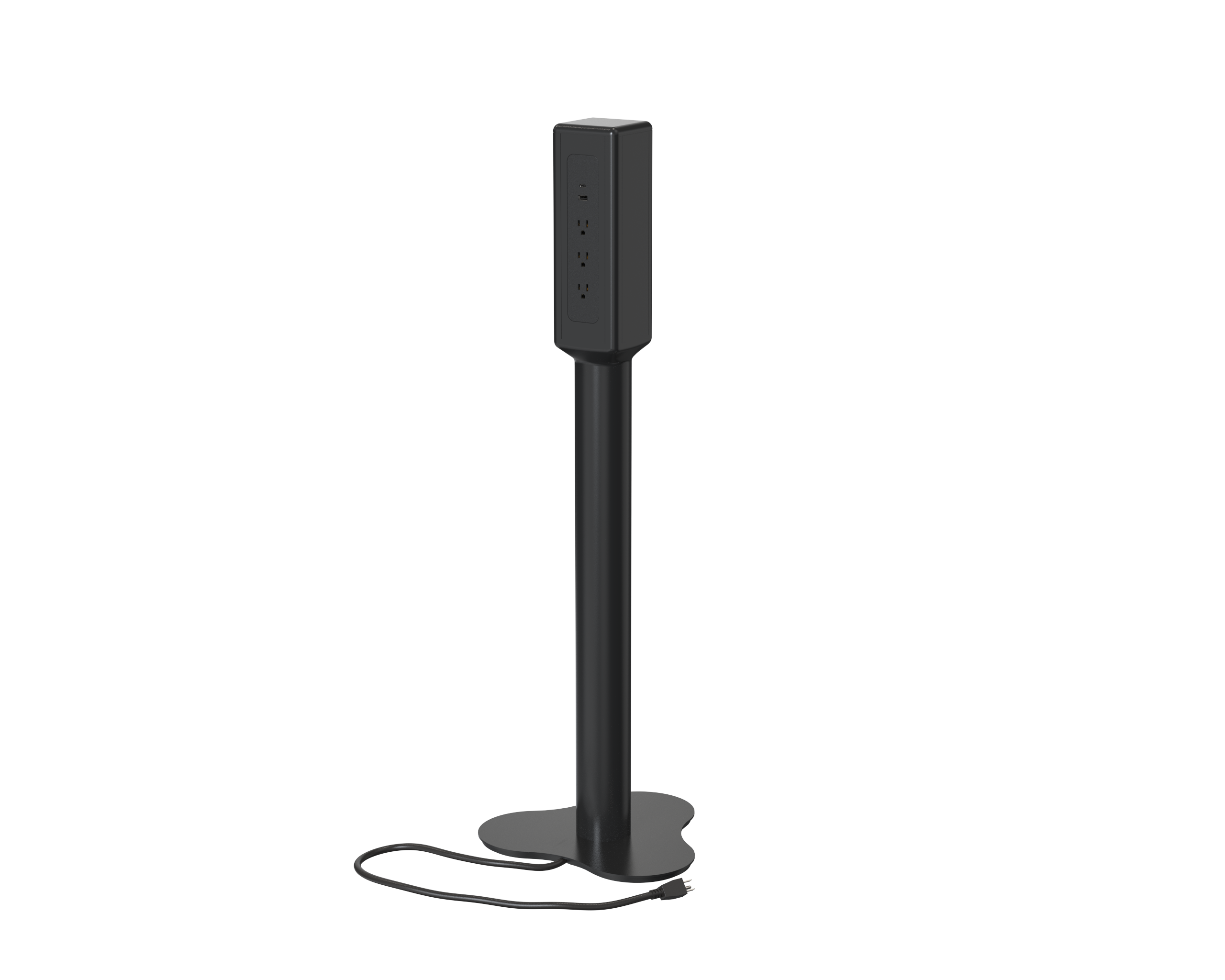
Desk power modules and charging solutions
Cable management systems
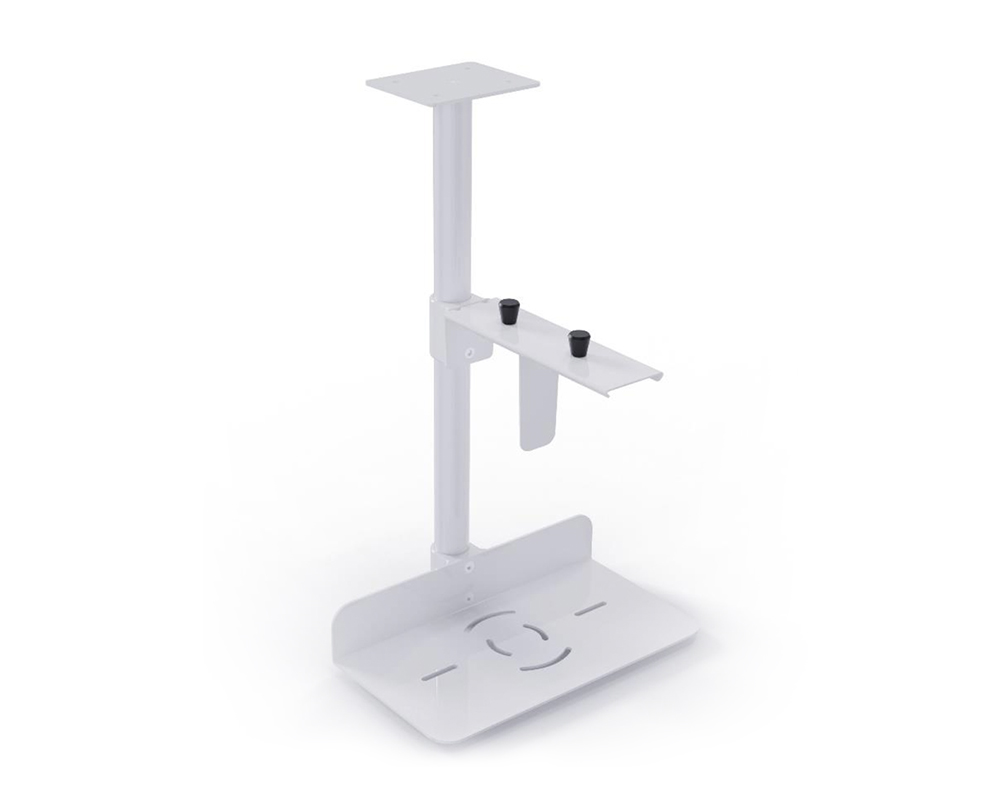
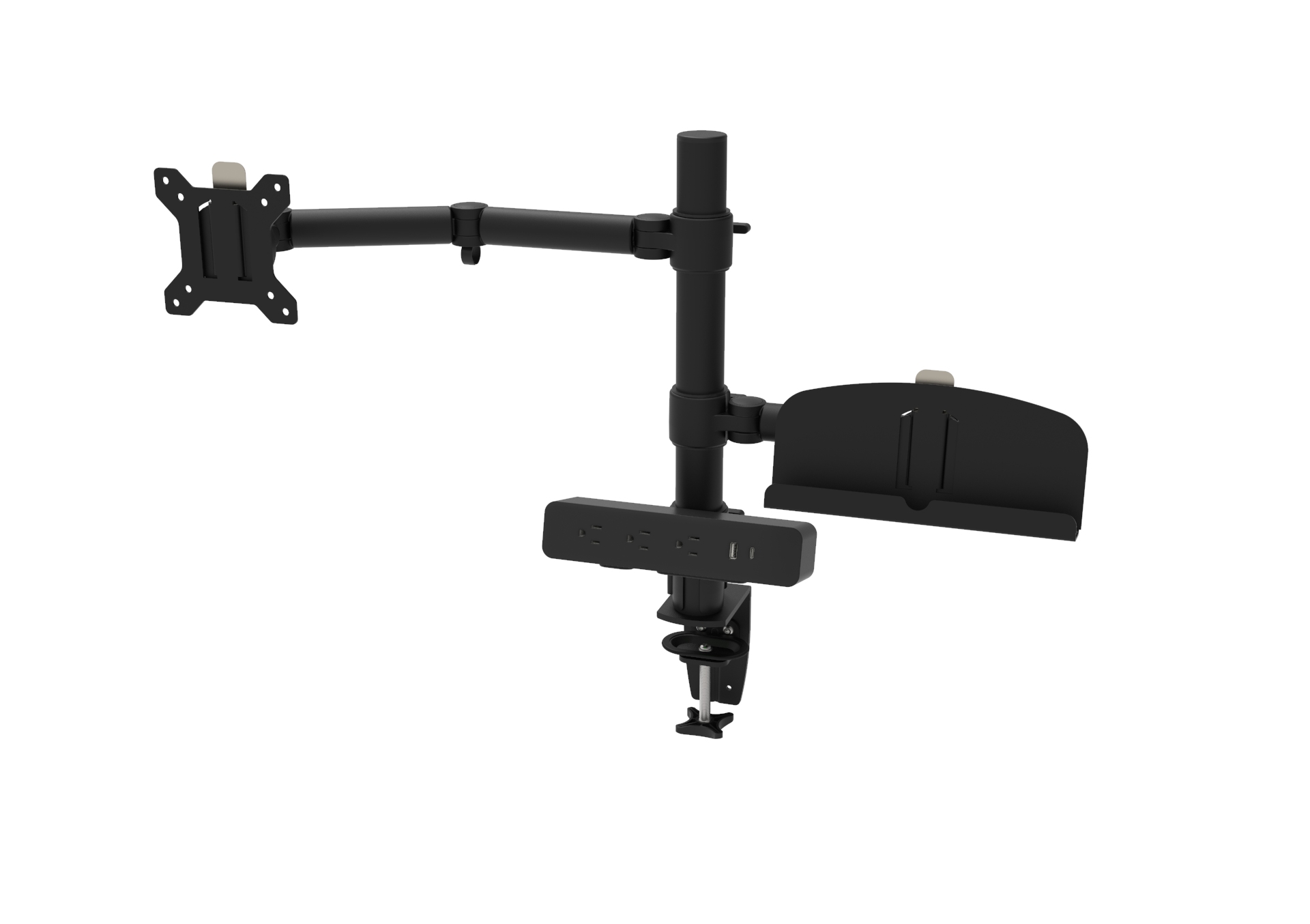
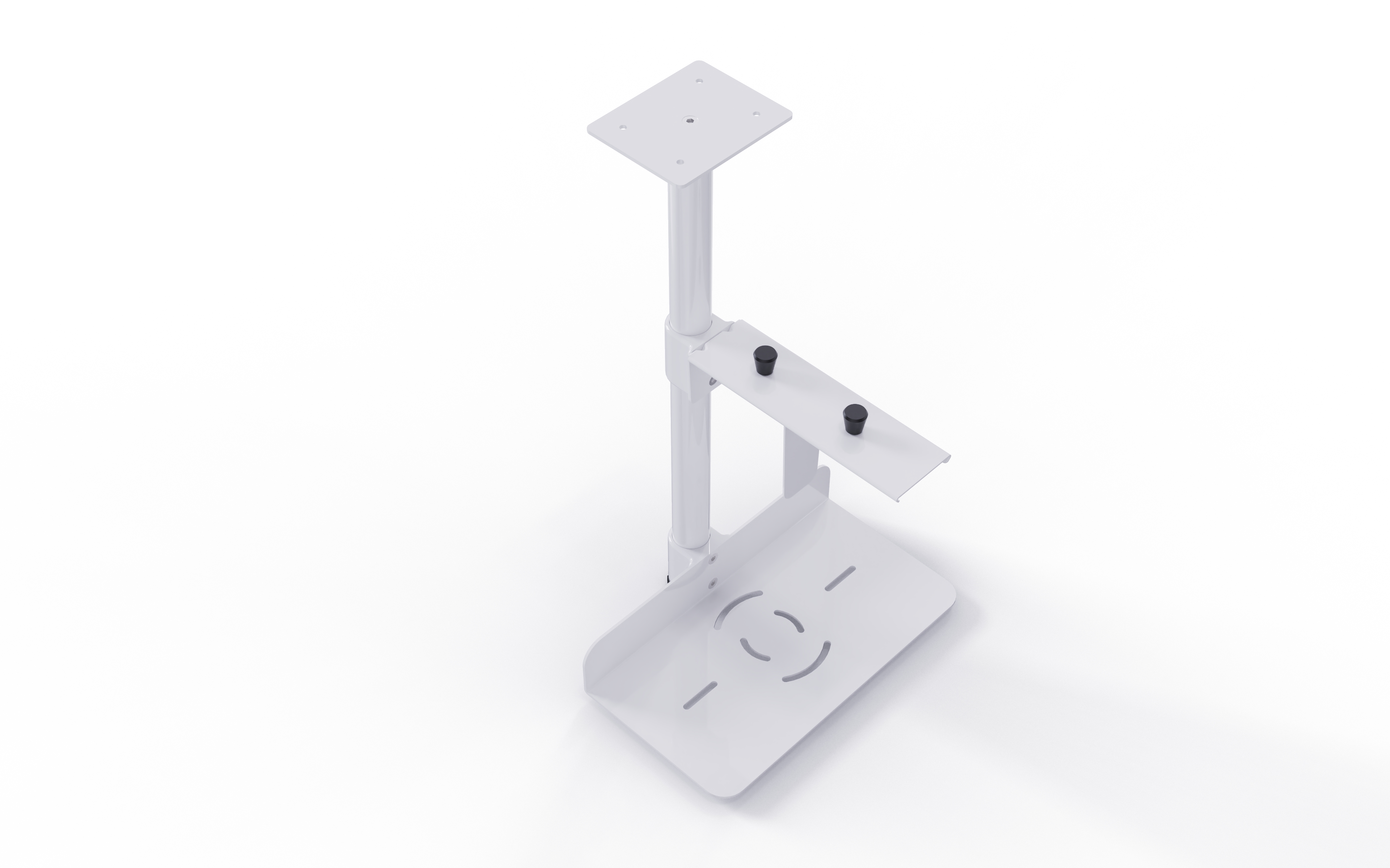
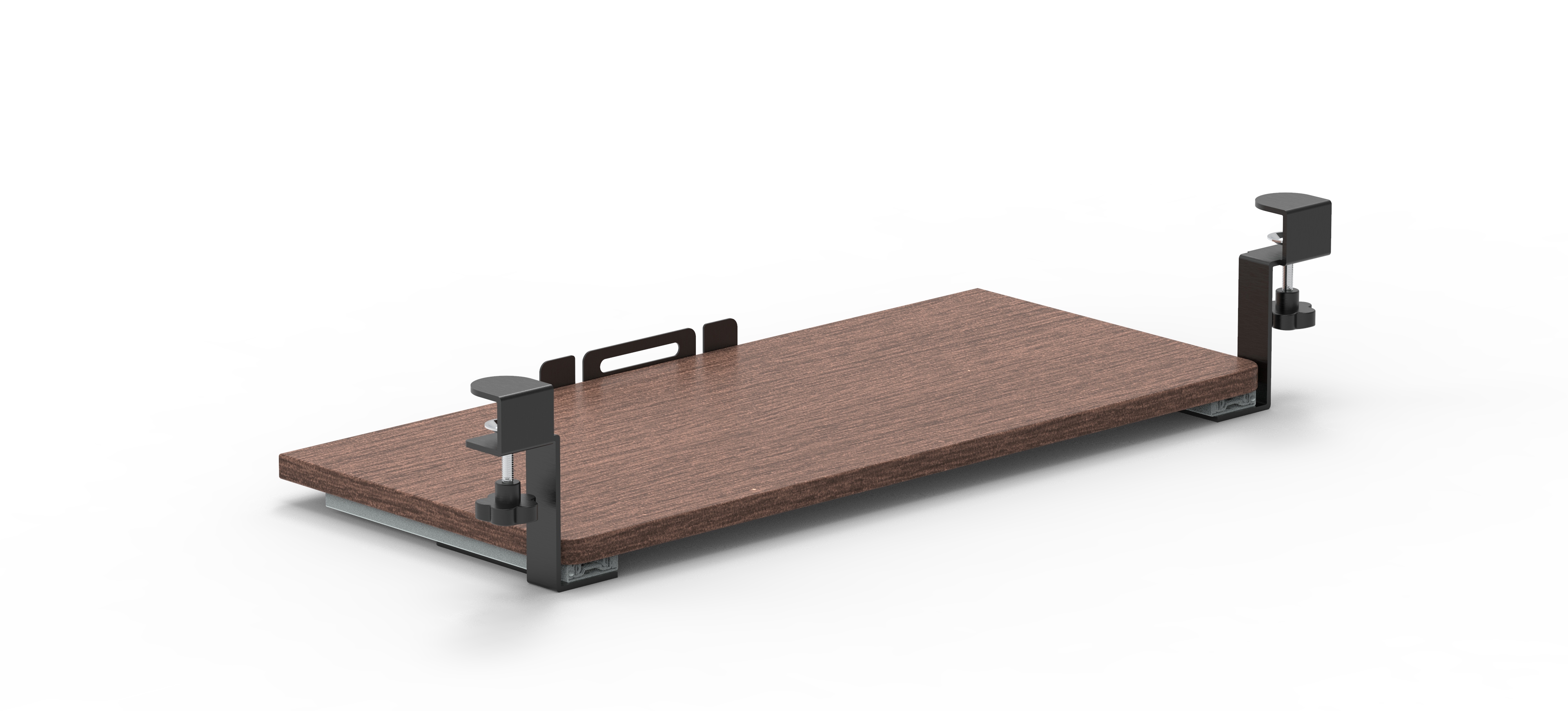
Monitor arms, CPU holders, and keyboard trays
Each component serves a specific purpose, but its real value comes from how it connects with the other parts of the workstation.
For manufacturers, a well-planned component system can simplify product configurations, support different workspace layouts, and give distributors and project buyers more options.
The frame is the foundation of any workstation. It supports the desktop, determines the overall structure, and influences how easily a workstation can be adapted to different layouts.
For modular workstation systems, the frame should be selected with configuration flexibility in mind.
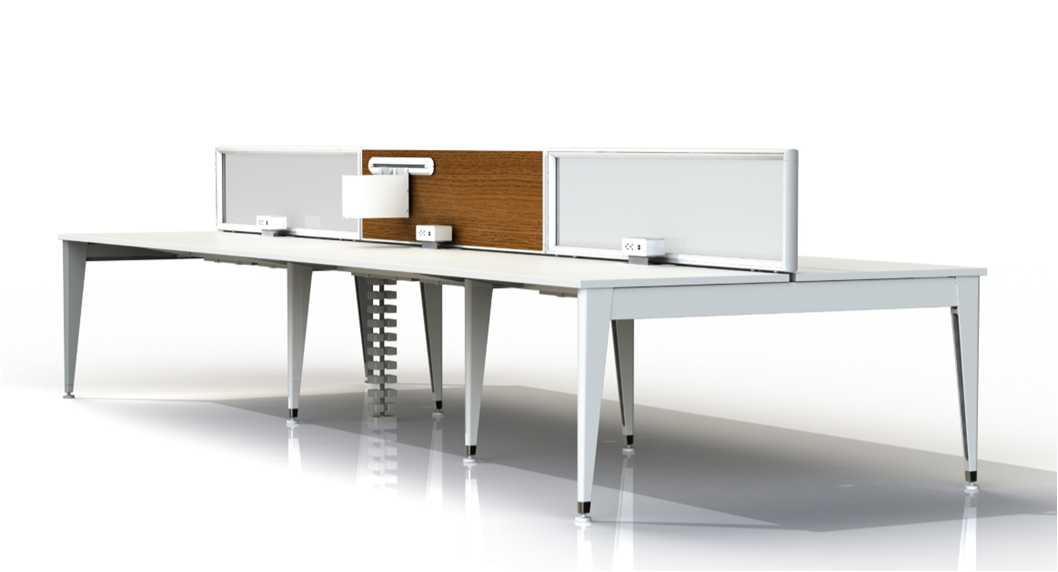
For example, bench workstation frames can support single-user desks, back-to-back arrangements, and multi-person workstations. Depending on the system design, standardized structural connections can also make it easier to extend a layout or combine different desk configurations.
Omni's Easy Bench series offers workstation configurations for different seating arrangements, while its Cobo Bench series provides additional options for collaborative workspaces.
When selecting desk frames, manufacturers should consider:
Available desktop widths and depths
Frame strength and structural stability
Connection methods between structural elements
Compatibility with screens and accessories
Installation and future expansion requirements
A suitable frame system gives manufacturers a reliable starting point for building different workstation models without redesigning the entire structure each time.
Open-plan offices often need a balance between collaboration and individual workspace definition.
Partitions and workstation screens help create visual separation, establish personal work areas, and provide surfaces for accessories or other functional elements.
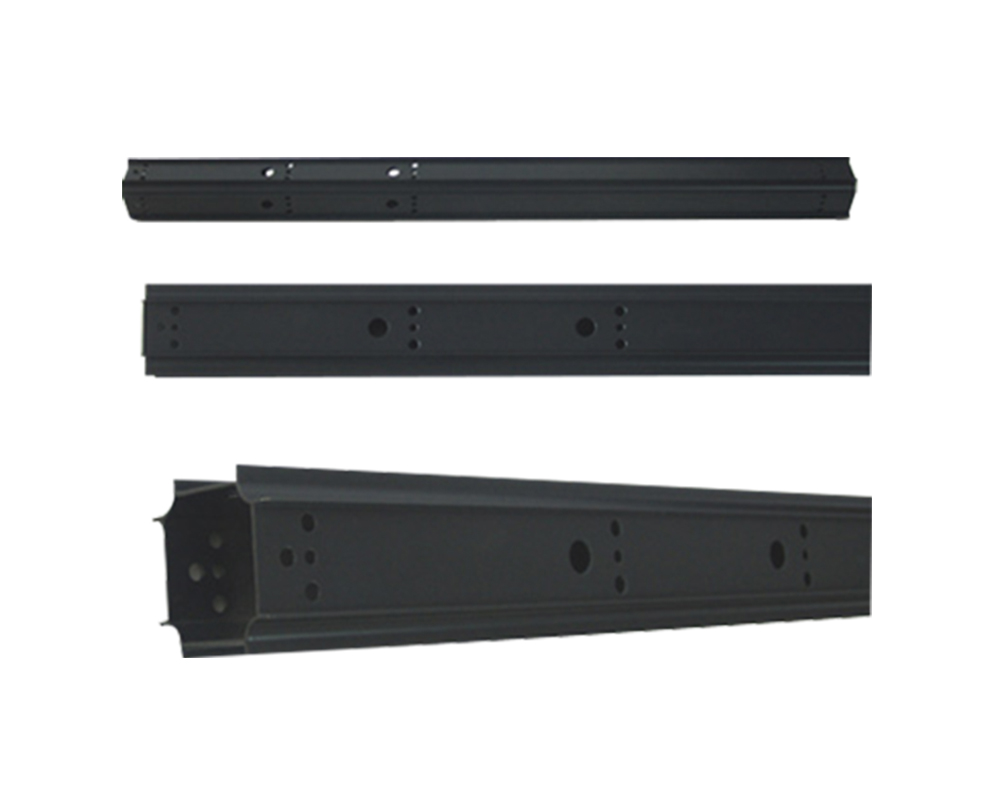
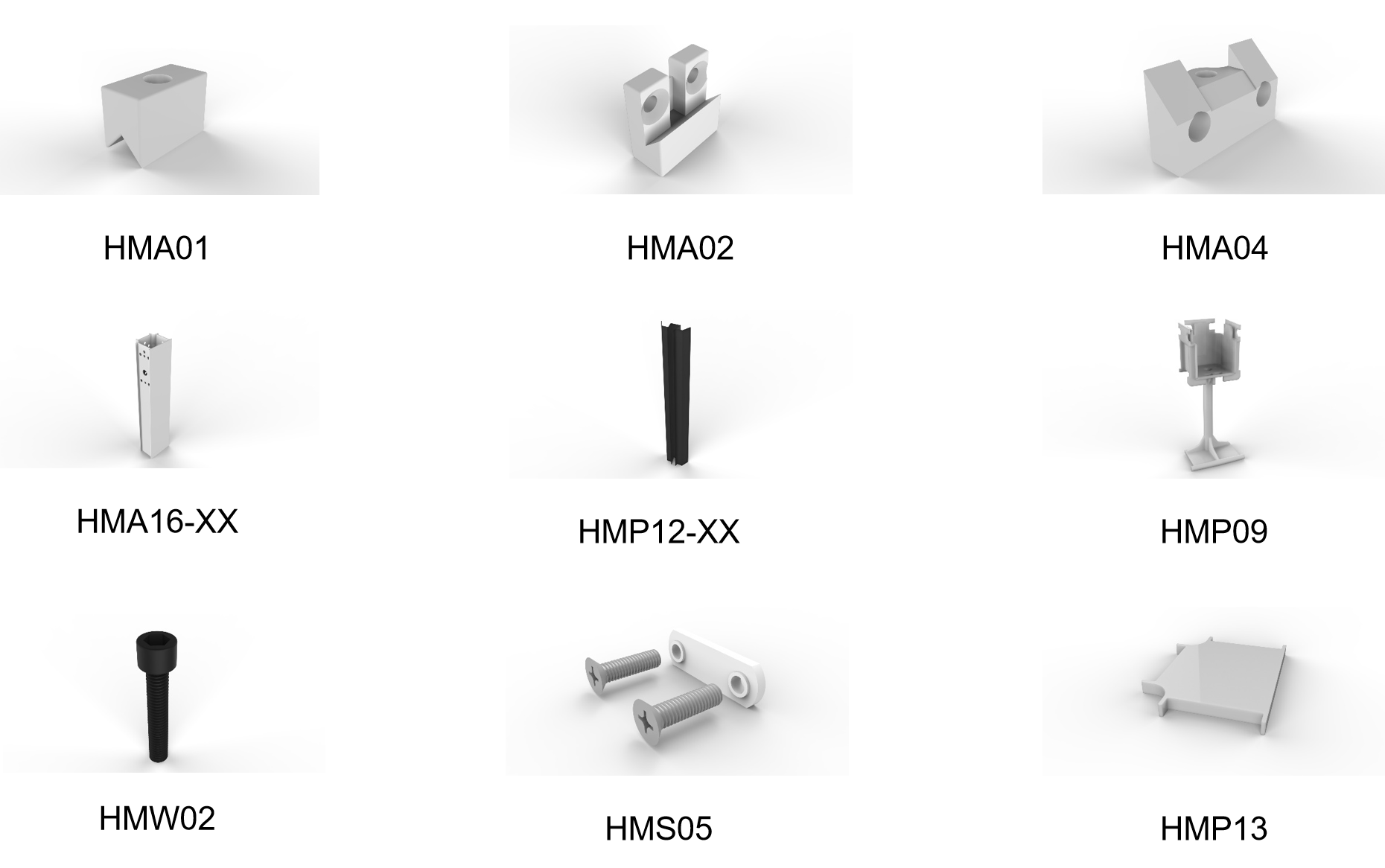
However, the panel itself is only one part of the solution. Panel components and mounting hardware determine how screens connect to desk frames and how different configurations can be assembled.
Depending on the workstation design, manufacturers may need:
Desktop-mounted screens
Side-mounted panels
Freestanding panel supports
Connecting brackets and mounting components
Aluminum or steel panel hardware
A coordinated panel system makes it easier to create consistent workstation layouts across different office projects.
It also gives furniture manufacturers more flexibility when offering different screen sizes, materials, and mounting arrangements.
Storage is another important part of workstation planning.
Without suitable storage, documents, office supplies, and personal items can quickly occupy valuable desktop space. Integrated or under-desk storage helps keep work areas more organized while making better use of the available footprint.
Common office furniture accessories in this category include:
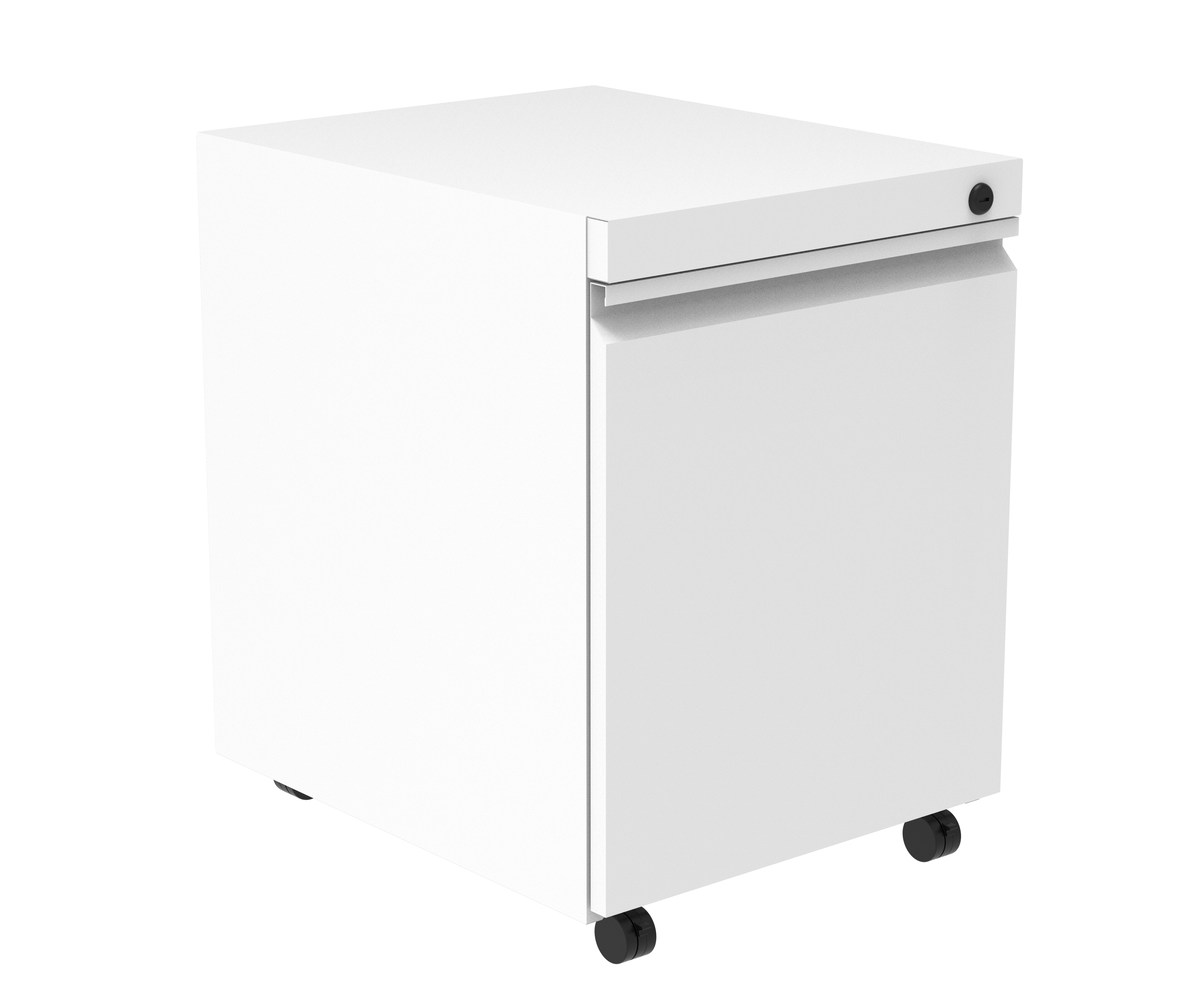
Mobile or fixed pedestals
Under-desk drawers
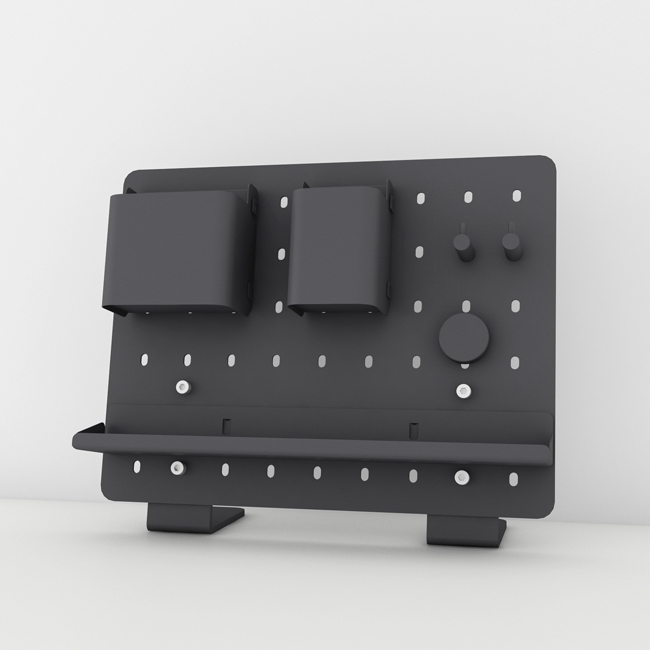
Pegboard storage
Other workspace organization accessories
The right storage configuration depends on the intended application.
For example, individual workstations may require personal drawer storage, while shared bench desks may benefit from more compact solutions that preserve legroom and maintain a clean appearance.
For manufacturers, storage components should be considered early in the design process. Their dimensions and mounting positions can affect frame design, user clearance, and the overall workstation layout.
Modern workstations need convenient access to electrical power and device charging.
For this reason, power solutions should be considered as part of workstation design rather than treated as an afterthought.
Common options include:
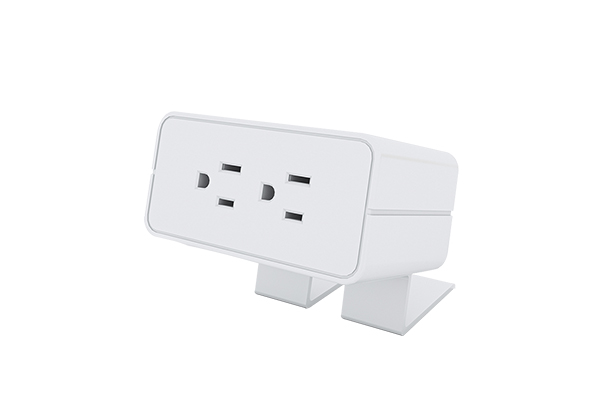
Clamp-on desk power modules
In-desk and flip-up power outlets
Under-desk power solutions
Daisy-chain power systems
The most suitable option depends on the desk construction, number of users, equipment requirements, and the electrical standards of the target market.
For example, a shared bench workstation may require a coordinated power arrangement that serves multiple users, while an individual desk may use a compact clamp-on or built-in power module.
Manufacturers should also consider cable access, installation space, maintenance, and compatibility with the intended market's electrical requirements.
Integrating power solutions at the design stage helps create a more practical workstation and reduces the need for later modifications.
Power and data connections can quickly create clutter beneath and around a workstation.
Cable management components help organize these connections, improve the appearance of the workspace, and make routine maintenance more manageable.
Depending on the workstation structure, suitable solutions may include:
Cable trays and routing channels
Wire brackets
Flexible cable management chains
Under-desk cable routing accessories
For example, a multi-person bench workstation may need a shared cable routing arrangement beneath the desk frame. Individual desks may require a more compact solution that keeps cables close to the desktop or support structure.
Cable management should be planned together with the frame and power configuration. This helps ensure that cables have practical routing paths without interfering with other components or the user's legroom.
The final group of components focuses on making the workstation more functional for everyday use.
Monitor arms, CPU holders, and keyboard trays can help organize equipment, free up desktop space, and support different workstation configurations.
For manufacturers, the important consideration is compatibility.
A monitor arm, for example, needs a suitable mounting position and enough clearance for the intended monitor setup. CPU holders and keyboard trays also require consideration of desktop thickness, frame structure, and available space.
These accessories can be especially useful in workstations designed for technology-intensive offices, shared work areas, and multi-screen environments.
By offering compatible accessories alongside structural components, furniture manufacturers can provide more complete workstation solutions.
The real advantage of modular workstation design comes from coordination between components.
Consider a four-person bench workstation in an open-plan office.
The desk frame provides the structural foundation. Workstation screens define individual working areas. Power modules provide access to electricity, while cable management components organize connections beneath the desks. Monitor arms create additional desktop space, and storage accessories help keep personal items organized.
Each component has a different function, but all of them contribute to one integrated workstation.
This is why component compatibility matters so much.
A panel mounting system must match the intended frame structure. Power modules need suitable installation positions. Cable routing must work with the desk layout, and accessories should not interfere with other parts of the workstation.
When these requirements are considered together, manufacturers can develop modular workstation systems that are easier to configure for different customers and projects.
When developing or sourcing office workstation components, manufacturers should look beyond individual product specifications.
Several factors deserve attention:
1. Compatibility
Check whether frames, panels, mounting hardware, power modules, and accessories can work together within the intended workstation design.
2. Configuration flexibility
Consider whether the component system can support different desk sizes, seating arrangements, and office layouts.
3. Installation and maintenance
Practical connection methods and accessible installation positions can simplify assembly and future maintenance.
4. Material and finish consistency
Visible components should work together in terms of material, color, and finish to create a coordinated furniture design.
5. Market requirements
For products intended for the US market, consider applicable dimensions, electrical requirements, and relevant industry standards according to the product category and application.
6. Long-term product planning
A modular component platform can make it easier to introduce new workstation configurations or accessories without changing the entire product structure.
For furniture manufacturers and distributors, these considerations can help reduce unnecessary customization and create more consistent product offerings.
Modular workstation design is not simply about making furniture easier to assemble. It is about creating a system in which structural elements, panels, storage, power, cable management, and accessories work together.
For office furniture manufacturers, the right combination of Office Furniture Components can support a wider range of workstation configurations while helping maintain consistency across different projects.
At Omni, our product range covers workstation frames, partition and panel components, office power solutions, storage products, and workspace accessories. We work with office furniture businesses looking for practical component options for different workstation applications.
Explore our product categories to find components for your next office furniture project.
The main components typically include desk frames, desktop panels, partitions or screens, mounting hardware, storage accessories, power modules, cable management systems, and monitor arms.
The exact combination depends on the workstation layout and its intended use.
They allow manufacturers to build workstations from coordinated elements rather than relying on fixed, one-piece designs. This can support different configurations, simplify product planning, and make future layout changes easier.
Office furniture components include both structural parts, such as desk frames and panel mounts, and functional elements used to build a workstation.
Office furniture accessories generally refer to additional products that improve usability, organization, or convenience, such as monitor arms, CPU holders, and keyboard trays.
Manufacturers should evaluate structural compatibility, dimensions, mounting methods, materials, installation requirements, and the intended workstation configuration.
Power and cable management should also be considered early in the design process.
Yes, depending on the frame system and connection design. Some modular bench systems support multiple seating configurations and extensions. Manufacturers should confirm the available configurations and compatible components for each specific system.
Common considerations include desk frames, workstation screens, storage, monitor arms, power modules, and cable management products.
For electrical products, manufacturers should verify applicable US electrical requirements and certifications for the specific product and intended application before specifying or supplying them.