Views: 0 Author: Site Editor Publish Time: 2026-09-28 Origin: Site


Modern office workstations need more than a well-designed desktop. With computers, monitors, power adapters, USB devices and network equipment all sharing the same workspace, effective Under Desk Cable Management has become an important part of office furniture design.
For office furniture manufacturers, workstation suppliers, architects and project contractors, cable management is not simply about making cables look tidy. A well-planned system can organize power and data cables, improve maintenance access, support different workstation configurations, and create a cleaner overall workspace.
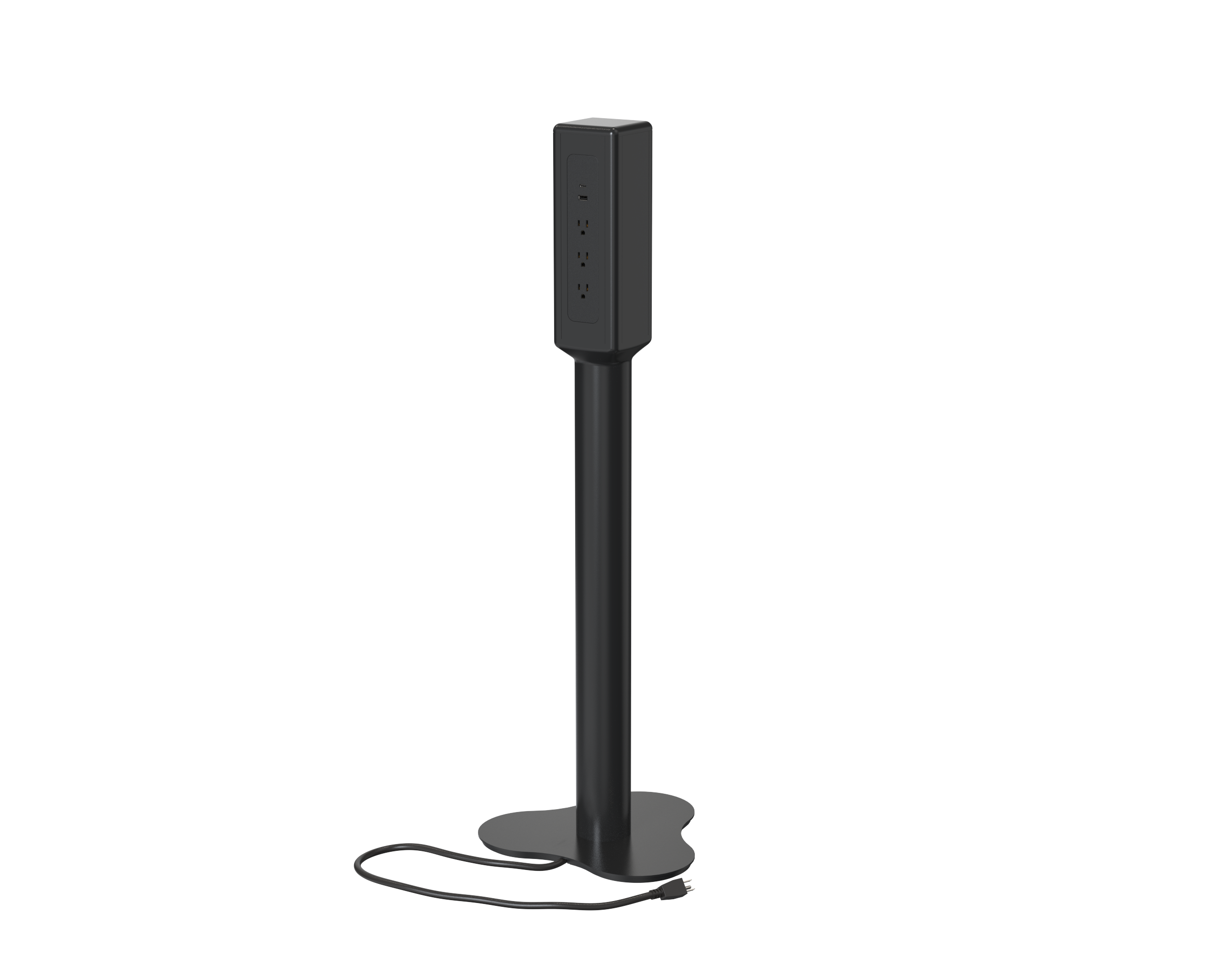
The right solution may combine an under desk cable tray, cable basket, cable spine, cable grommet and under-desk power solution depending on the furniture structure and application.
A typical workstation can contain multiple cables running between the desktop, power source and connected equipment.
Without a defined routing system, cables can become tangled underneath the desk, occupy valuable legroom or interfere with other furniture components.
A practical office cable management solution should address several requirements at the same time.
Routing cables underneath the desk keeps power and data connections away from the main working surface.
This is particularly useful in open-plan offices, shared workstations and benching systems where multiple users work within the same furniture structure.
Cables that are loosely placed on the floor can be exposed to accidental pulling, foot traffic or interference from chairs and cleaning equipment.
An under-desk routing system keeps cables controlled and provides a defined path between the workstation and the power source.
Workstations change over time. Users may add monitors, replace computers or introduce new charging devices.
Cable management should therefore provide reasonable access for adding, removing or replacing cables rather than permanently trapping them inside the furniture structure.
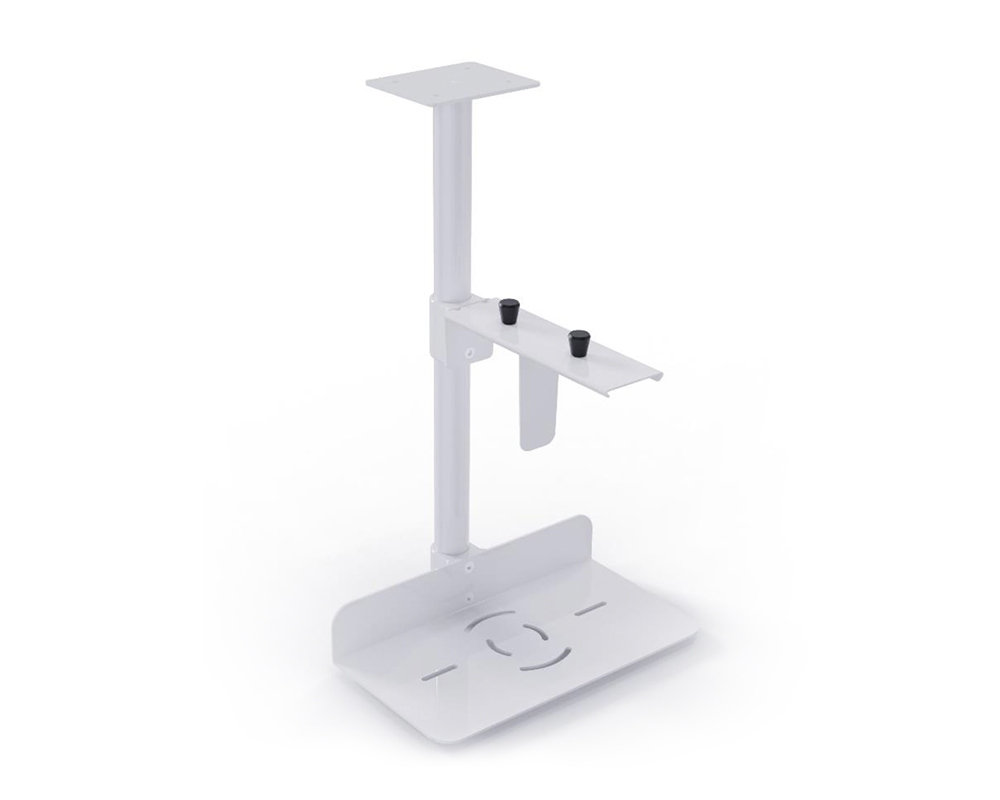
The area underneath a desk contains more than cables. It may also include a power supply, computer accessories, CPU holders, storage and structural components.
A properly planned system helps keep these elements organized without unnecessarily occupying the user's leg space.
For OEM furniture manufacturers and project suppliers, standardized cable-management components can simplify workstation design across different desk sizes and configurations.
Instead of creating a completely different routing solution for every workstation, manufacturers can combine modular components according to the furniture structure.
There is no single cable-management component that fits every workstation. Different applications may require different combinations.
An under desk cable tray provides a defined horizontal path for power strips, adapters and cables beneath the desktop.
It is particularly useful for workstations where several cables need to be collected in one area.
A cable tray can also help keep power accessories off the floor while maintaining access for maintenance.
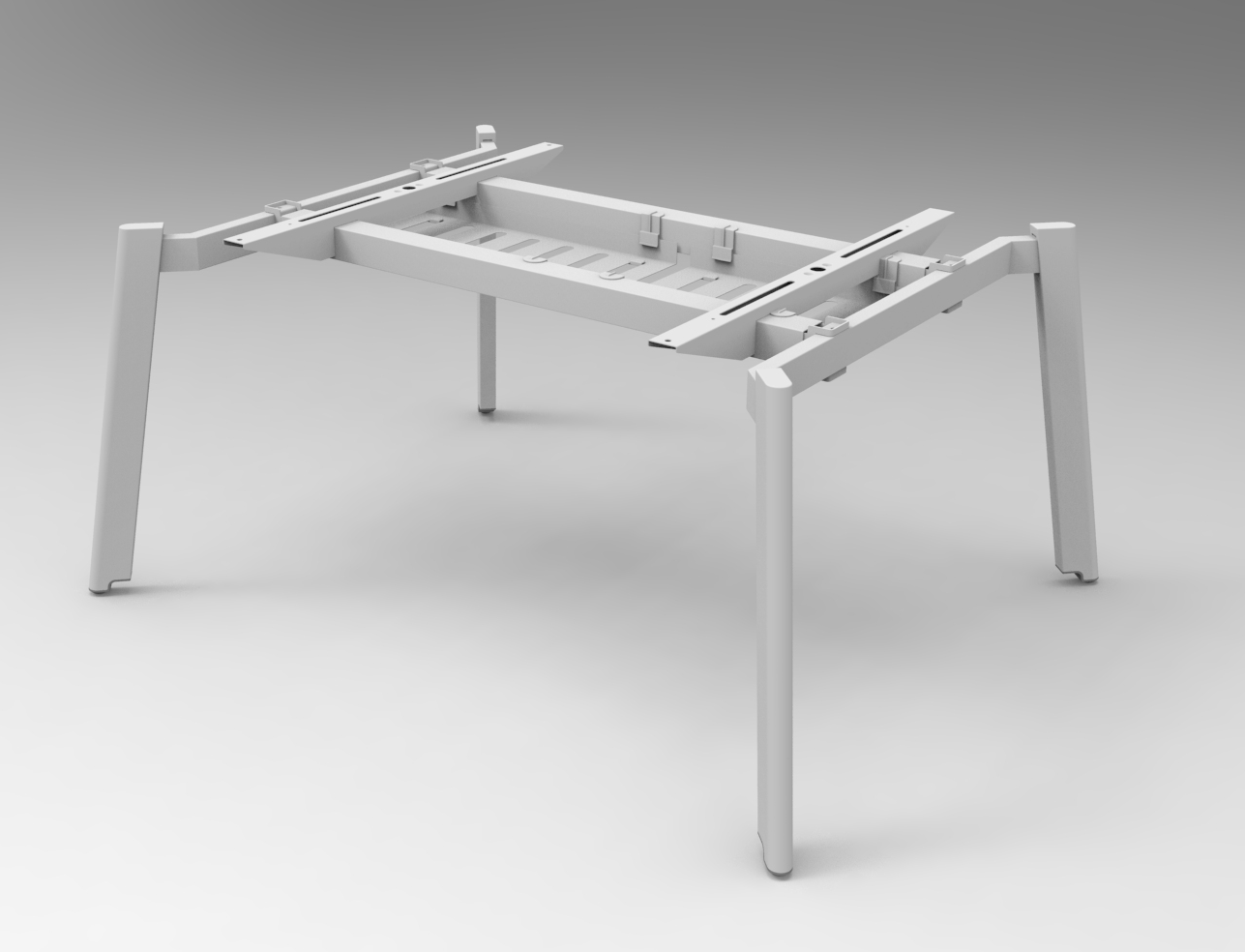
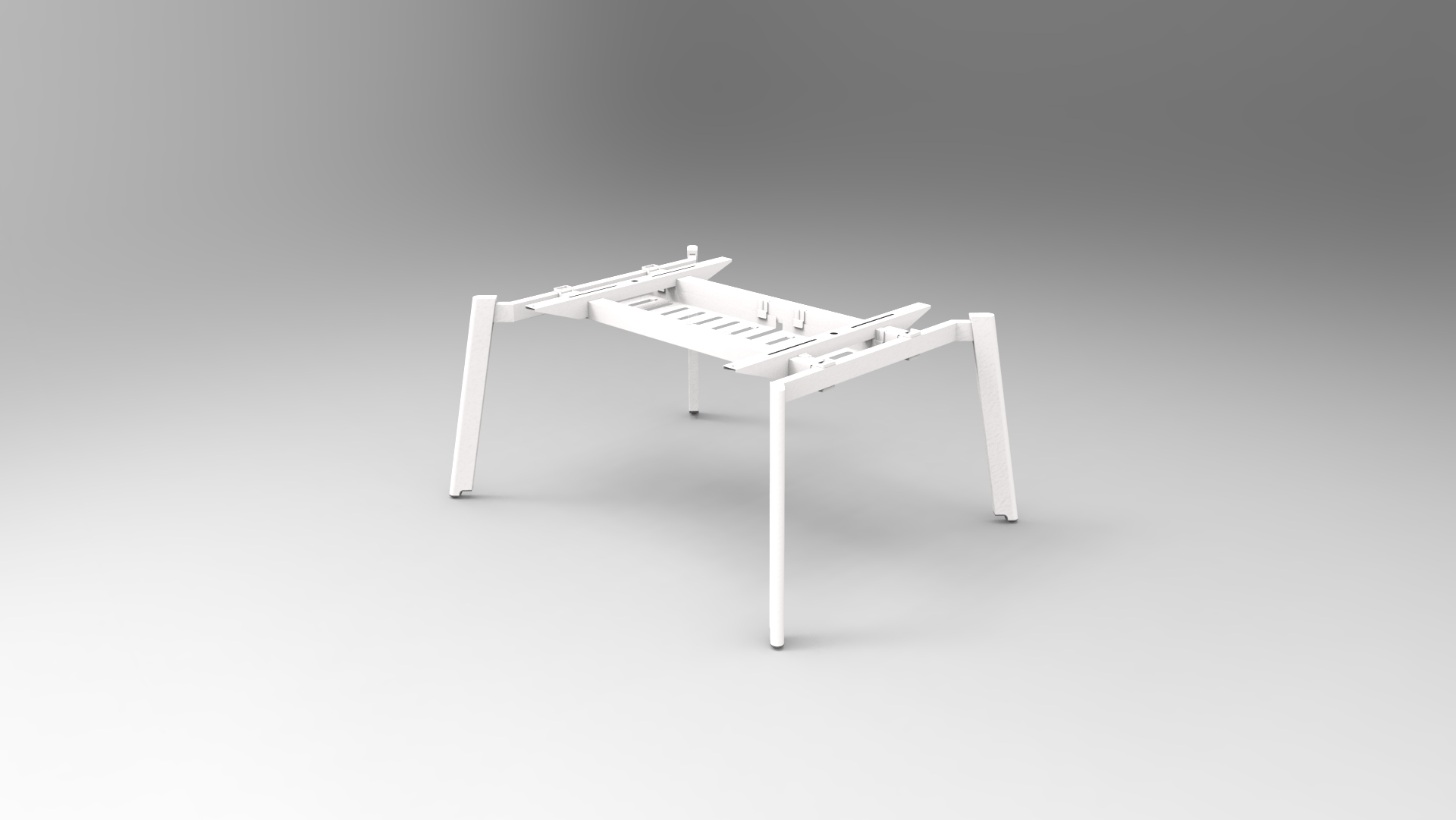
For benching systems, the tray may be integrated into the frame or mounted underneath the work surface.
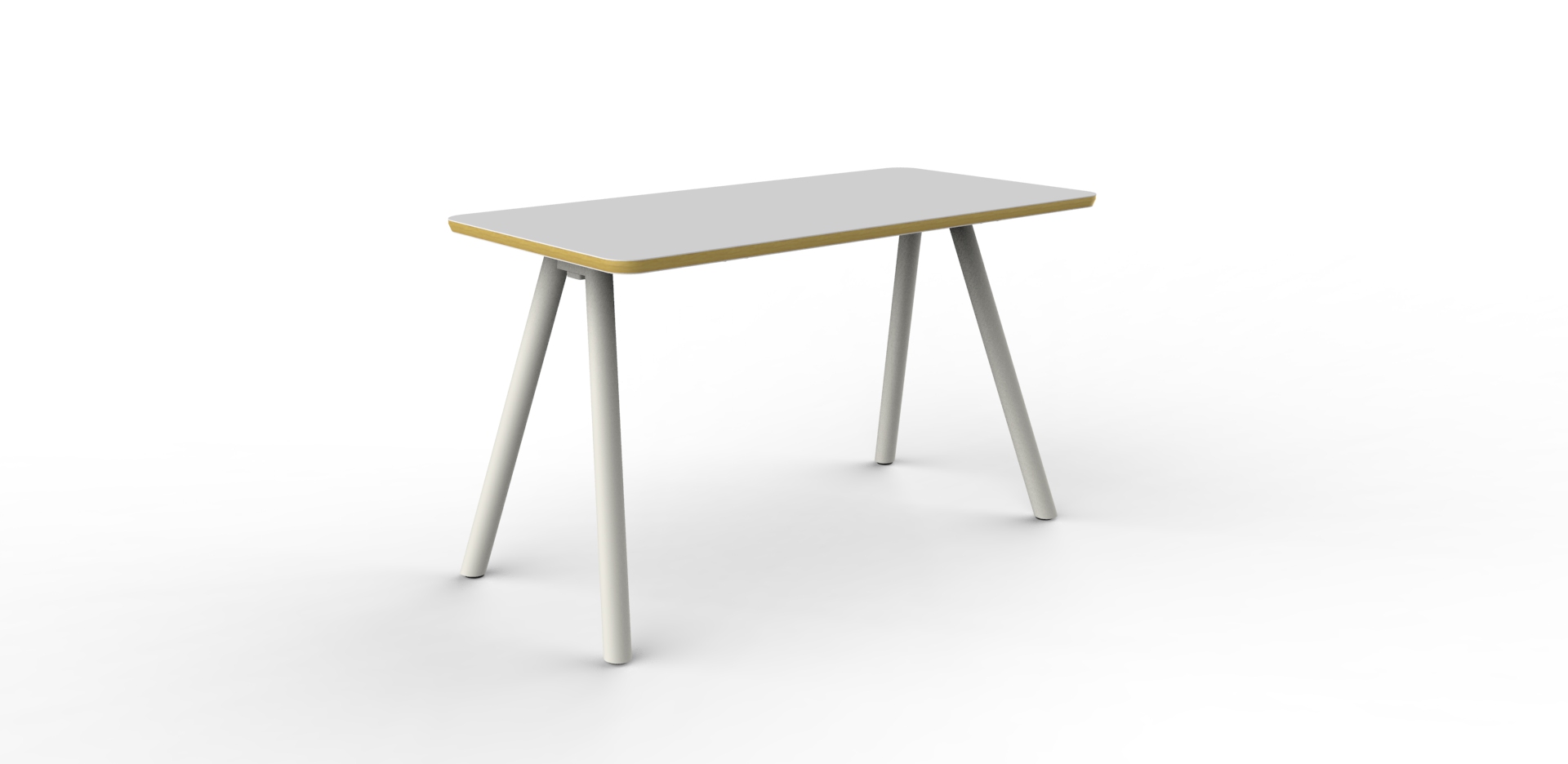
Omni's workstation products already incorporate concealed or integrated cable-management approaches. For example, the Cobo Bench uses an under-beam cable tray to route power and data cables while keeping them hidden from the main workspace.
A wire or cable basket is another common option for organizing cables and power accessories below the desk.
The open structure makes it relatively easy to add or remove cables, which can be useful for workstations that change frequently.
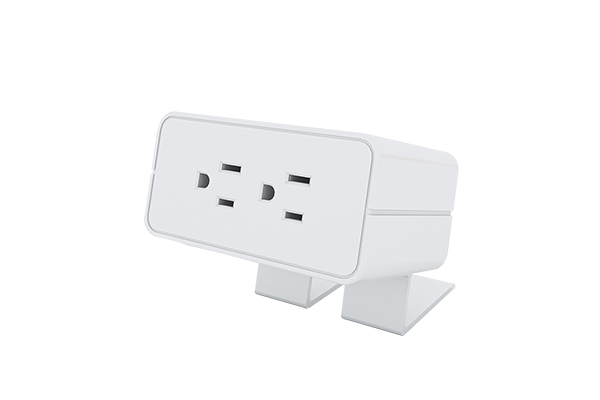
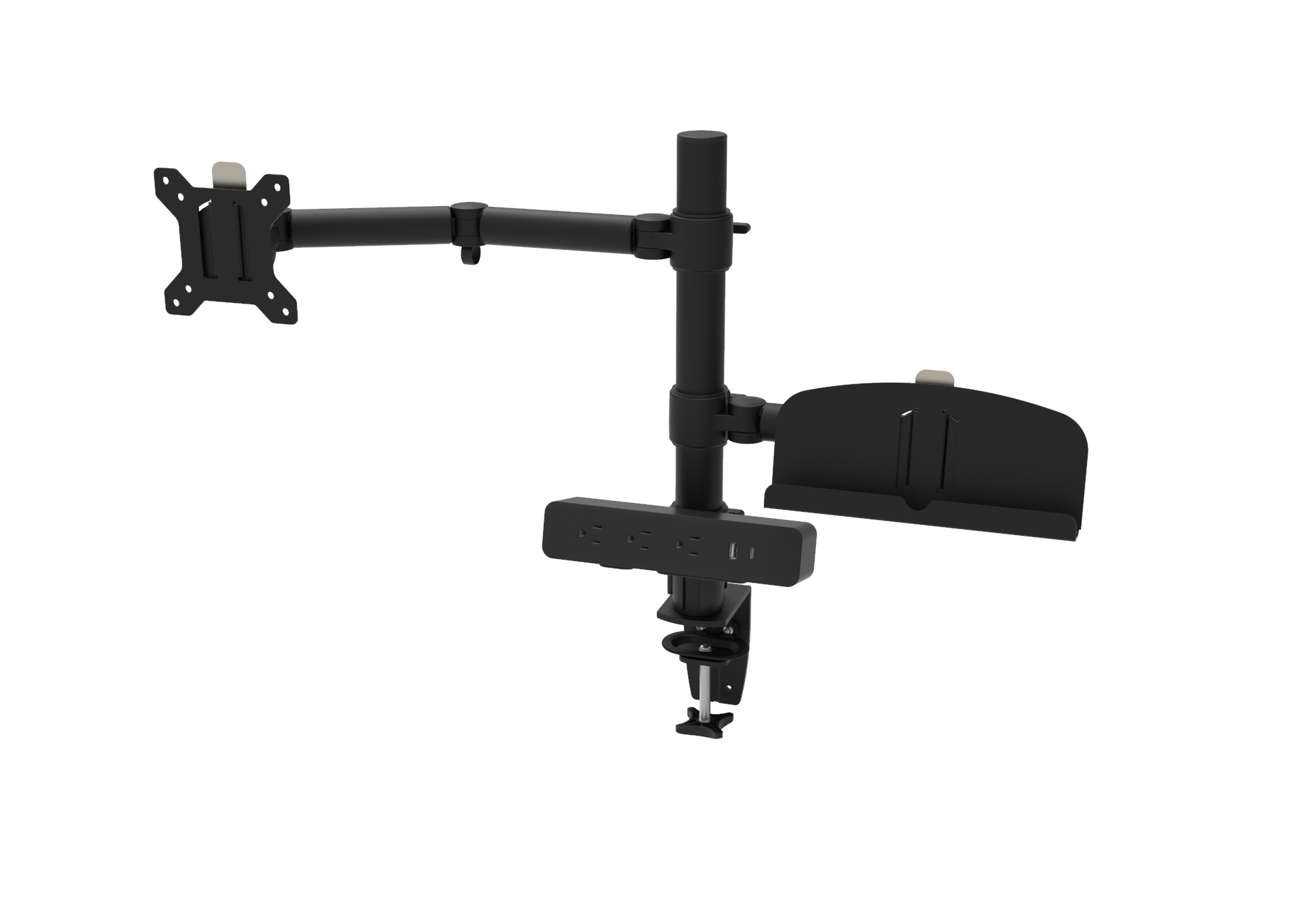
Cable baskets can also be combined with under-desk power modules or power strips to create a centralized connection area.
A cable spine provides a vertical routing path between the underside of the desk and the floor.
This is especially useful when cables need to travel from a desk-mounted or under-desk power solution toward a floor box or other fixed connection point.
A flexible spine can also help maintain a cleaner appearance in open-plan workspaces.
A cable grommet is generally used to guide cables through the desktop.
Rather than leaving cables running over the edge of the desk, a grommet provides a defined passage between the desktop and the area underneath it.
For conference tables, collaborative tables and workstations with desktop power, grommets can form an important connection between the desktop and the under-desk cable-management system.
Omni's Cobo collaborative table, for example, uses multiple cable grommets together with an integrated cable spine to route power, data and A/V cables beneath the table.
Cable management becomes more effective when power distribution is considered together with cable routing.
Depending on the workstation design, power can be positioned under the desk, integrated into the frame or connected through a modular power system.
This allows the cable-management system to control both the power source and the cables running to individual devices.
For many workstation projects, the most effective approach is not a single product but a combination of components.
A typical configuration may look like:
Desktop → Cable Grommet → Under-Desk Cable Tray → Power Module → Cable Spine → Floor / Building Connection
Each component has a specific role.
The grommet manages the transition through the desktop.
The cable tray or basket organizes cables and adapters underneath the work surface.
The power module provides the connection point for electrical devices.
The cable spine manages the vertical cable route toward the floor.
This type of system approach can be particularly useful for workstation manufacturers because it allows cable management to be designed together with the desk frame and power architecture.
Height-adjustable desks require additional attention because the distance between the desktop and floor connection changes during operation.
A fixed-length cable installation may become too tight when the desk moves upward or too loose when it moves downward.
For a height-adjustable workstation, the cable-management system should therefore provide sufficient movement and routing flexibility.
Power and data cables should have enough length to accommodate the full height range of the desk.
The objective is to avoid excessive tension during movement while preventing unnecessary cable loops.
A flexible cable spine or similar vertical routing component can help guide cables as the desk moves.
The cable path should remain clear of the lifting mechanism, desk legs and other moving components.
Cable management should be evaluated at both the lowest and highest desk positions.
This is important for OEM furniture projects because the final workstation may use different tabletop dimensions, leg configurations or accessory combinations.
Omni's Tank Chain, for example, is specifically positioned as a cable-management solution for office tables equipped with power, including height-adjustable desks and benches. Its detachable segments allow the routing length to be adjusted, with standard lengths available for adjustable-height workstation applications.
Modern workstations often carry both electrical power and low-voltage data connections.
A cable-management plan should therefore consider how these different cables will be routed.
Power cables may connect:
Desk power modules
Monitors
Computers
Chargers
Power strips
Data-related cables may connect:
Network equipment
Monitors
USB devices
AV equipment
Other workstation peripherals
Keeping cable paths organized makes future maintenance easier and helps prevent a large number of cables from becoming one tangled bundle.
For larger workstation projects, it can be useful to define cable-routing zones during the furniture design stage rather than adding cable management after the desk has already been manufactured.
A common mistake in workstation design is to select the power module first and consider cable management later.
For a more complete solution, the two should be designed together.
For example:
Desktop Power Access
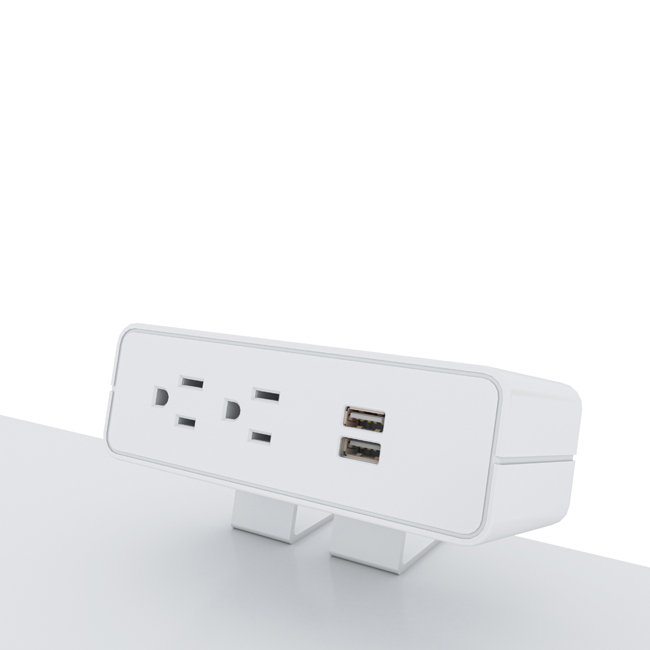
A desk-edge, recessed or other desktop power module provides users with convenient access to power and charging.
↓
Under-Desk Distribution
A cable tray, basket or integrated frame channel organizes the power cords below the work surface.
↓
Vertical Cable Routing
A cable spine or flexible cable-management component guides the cables toward the floor.
↓
Modular Power System
For larger workstation installations, a modular power system can distribute power between multiple workstations.
Omni's current product structure includes Desk Power Modules, Daisy Chain Power Systems and Wire Management products, allowing these elements to be considered as part of a broader workstation power and cable-management solution.
For OEM and project procurement, product selection should start with the furniture rather than the accessory.
Here is a practical checklist.
Consider the:
Table length
Table depth
Number of users
Number of workstations
Available under-desk space
Longer workstations and multi-person benching systems may require different cable-routing strategies than single desks.
Estimate the number of:
Power cables
Monitor cables
Network cables
USB cables
A/V cables
Charger cables
This helps determine whether a compact cable basket is sufficient or whether a larger tray or integrated routing system is required.
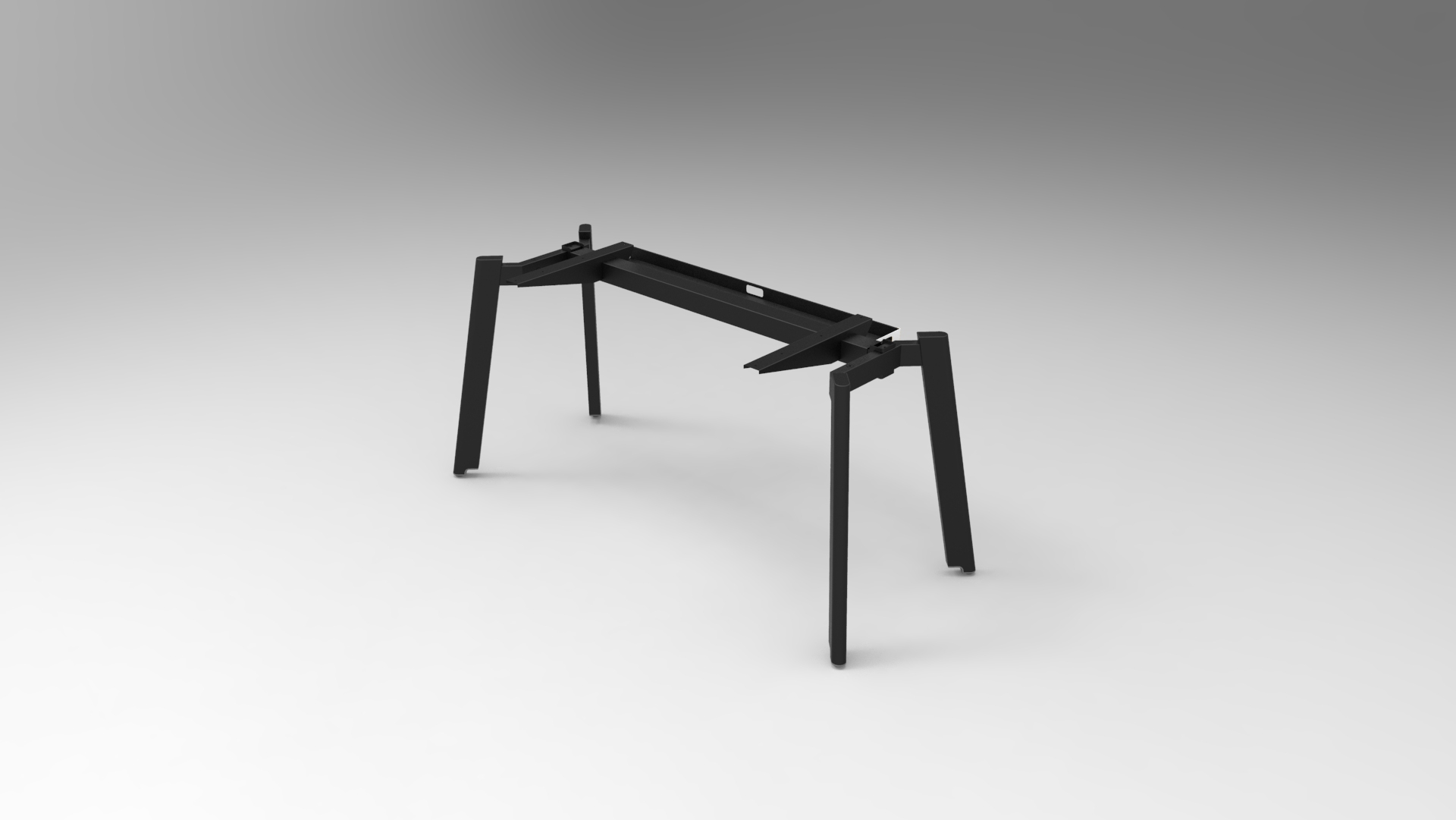
The desk frame determines where cable-management components can be mounted.
Check the position of:
Desk legs
Cross beams
Fixed beams
Height-adjustable columns
Cable channels
Under-desk accessories
For workstation manufacturers, this step is especially important because the cable-management solution needs to work with the actual frame geometry.
A fixed workstation generally has fewer cable-movement requirements.
A sit-stand desk requires additional consideration for cable length, movement and vertical routing.
Determine whether the project requires:
Desktop power
Under-desk power
Modular power distribution
Daisy-chain power
Multiple workstation connections
Omni offers several office power categories, including Desk Power Modules, Daisy Chain Power Systems and Free Standing / Under-Desk Outlets.
For international projects, the required plug and outlet standard should be confirmed early.
Depending on the destination market, a workstation project may require US, UK, EU or AU/NZS power configurations.
The cable-management system itself may remain similar while the connected power module changes according to the local electrical standard.
For furniture manufacturers and commercial project buyers, cable management should be considered part of the workstation architecture rather than an afterthought.
A well-planned solution can combine:
Workstation Frame + Cable Management + Power Access + Modular Power Distribution
This approach can make the workstation easier to manufacture, install and maintain while providing a cleaner user environment.
It also allows furniture manufacturers to offer different workstation configurations without completely redesigning the cable-routing structure for every project.
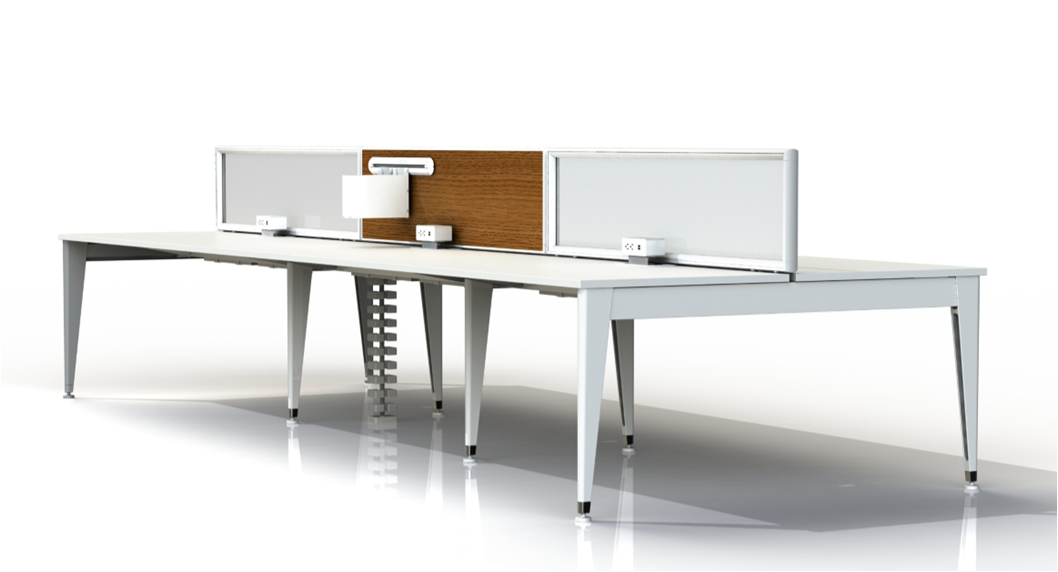
Omni's workstation portfolio includes modular bench systems with integrated or concealed cable management. The Easy Bench series, for example, is available in different workstation configurations and incorporates cable-management features into the workstation structure.
There is no universal cable-management configuration for every office.
The right solution depends on the furniture structure, workstation size, number of users, cable quantity, power requirements and whether the desk is fixed or height-adjustable.
For a typical commercial workstation project, a practical system may combine:
Cable Grommet for desktop cable entry
Cable Tray or Wire Basket for horizontal organization
Cable Spine or Tank Chain for vertical routing
Desk Power Module for user-accessible power
Modular Power System for multi-workstation distribution
Thinking about these components as one system can help furniture manufacturers create cleaner and more maintainable workstations.
Under Desk Cable Management is an important part of modern office workstation design.
The objective is not simply to hide cables. A well-designed system should organize power and data connections, protect available legroom, support maintenance and adapt to the structure of the furniture.
For fixed desks, benching systems and height-adjustable workstations, the combination of under desk cable trays, cable baskets, cable spines, cable grommets and power solutions can create a more practical and standardized workstation infrastructure.
For OEM manufacturers, architects, contractors and project buyers, the best starting point is to consider the workstation, cable routing and power distribution together.
Omni provides office furniture, workstation components, wire-management products and office power solutions for commercial furniture applications.
Explore:
Wire Management – Cable-management components including Tank Chain and Wire Basket
Desk Power Modules – Desktop power and charging solutions for office workstations
Daisy Chain Power Systems – Modular power distribution for workstation applications
X.LINKER™ Modular Power System – Modular workstation power architecture
Office Workstations – Bench and workstation systems with integrated cable-management options
If you are developing an OEM workstation, height-adjustable desk or commercial office project, contact Omni to discuss the required cable-management configuration, workstation structure and power solution.