Views: 0 Author: Site Editor Publish Time: 2026-03-18 Origin: Site


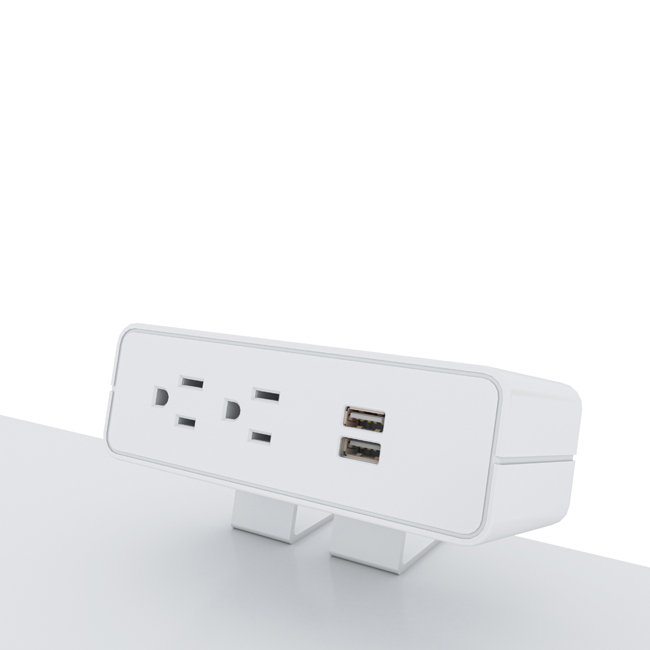
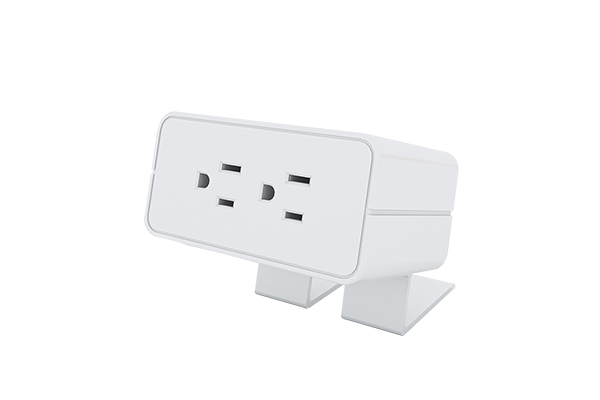
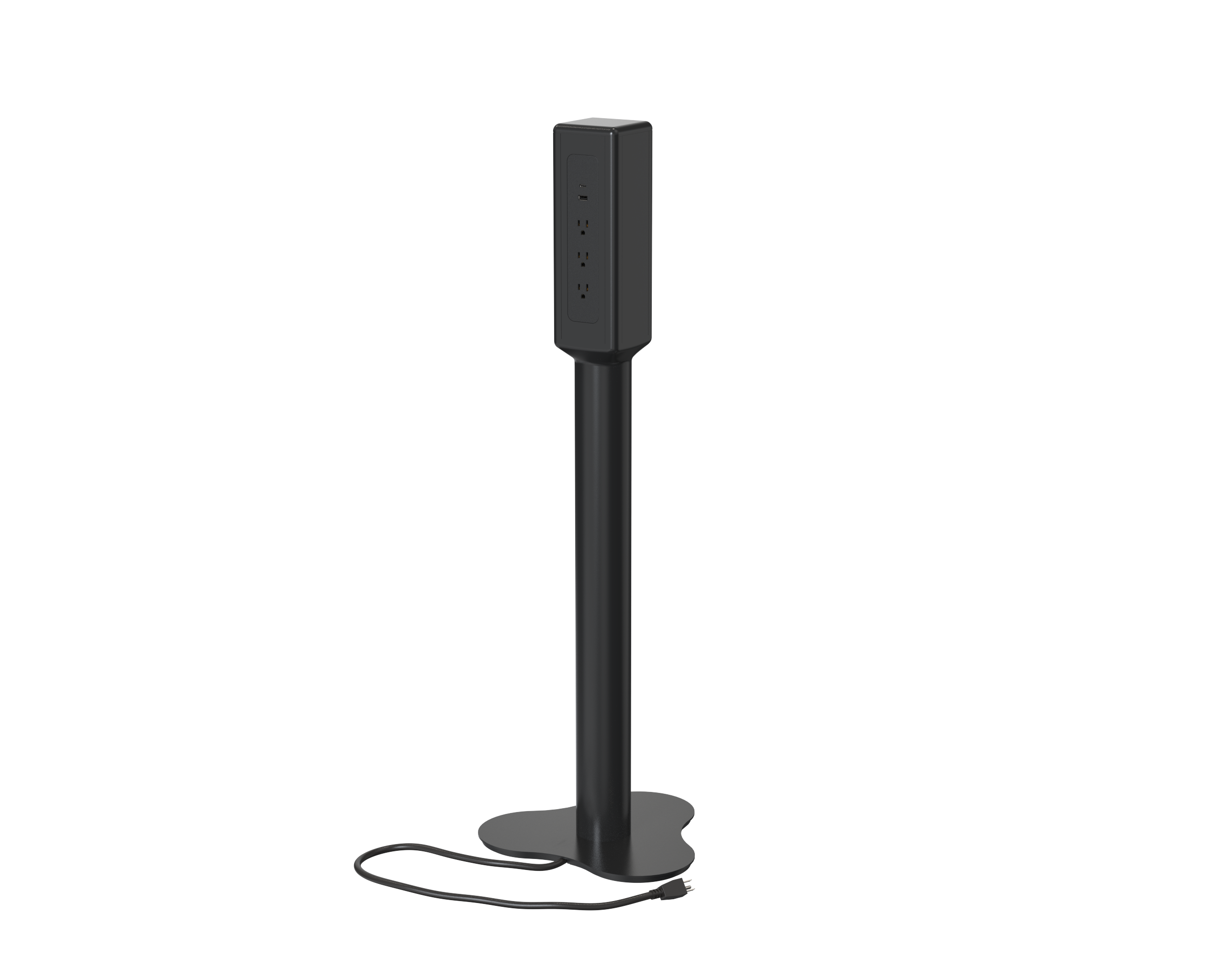
A power strip is a compact electrical device that expands a single wall outlet into multiple sockets, allowing several devices to be plugged in simultaneously. Depending on the model, a power strip may include protection (surge suppression), charging ports (USB-A/USB-C), switches, and smart connectivity for remote control or energy monitoring.
Power strips solve practical problems in modern environments:
Provide extra outlets at desks, workbenches, and entertainment centers.
Centralize power for multiple low- and medium-draw electronics (monitors, routers, chargers).
Add convenience features like individually switched outlets, USB charging, or surge protection without rewiring walls.
Enable simple cable-management solutions in offices and meeting rooms.
While convenient, the benefits come with responsibilities—choosing the wrong strip or using it incorrectly can create reliability and safety issues.
Understanding the internal and external components helps you compare products:
Housing: The shell (plastic or metal) that holds sockets and electronics. Higher-quality housings are fire-retardant and better ventilated.
AC outlets: Number and type of sockets (e.g., spaced for transformer plugs). Some strips include a mix of angled and standard outlets.
Power cord and plug: Length, gauge (AWG), and plug type determine allowable current and where the strip can be located.
Switch & indicator lights: Power on/off and status LED(s) that can also show surge-protection health.
Surge suppression module (when present): Often composed of MOVs (metal-oxide varistors) and related circuitry; protects connected devices from voltage spikes.
Overload protection/breaker: Mechanical or thermal fuses/trips that cut power when the load exceeds the rating.
USB ports & charging ICs: Provide regulated DC output; advanced models support USB Power Delivery (PD) for laptops and tablets.
Network/Smart module: Wi-Fi or other connectivity in smart strips enables remote control, energy monitoring, and automation.
Not all strips do the same job. Select the type that matches your use case.
Provide additional AC outlets without surge protection or advanced electronics.
Best for low-risk devices like lamps and fans.
Least expensive, but not recommended for expensive electronics.
Contain surge suppression components and are rated by joules (energy absorption capacity).
Provide critical protection for computers, AV gear, and home-office equipment.
Feature protection-status indicators and sometimes a warranty that covers connected equipment (read terms).
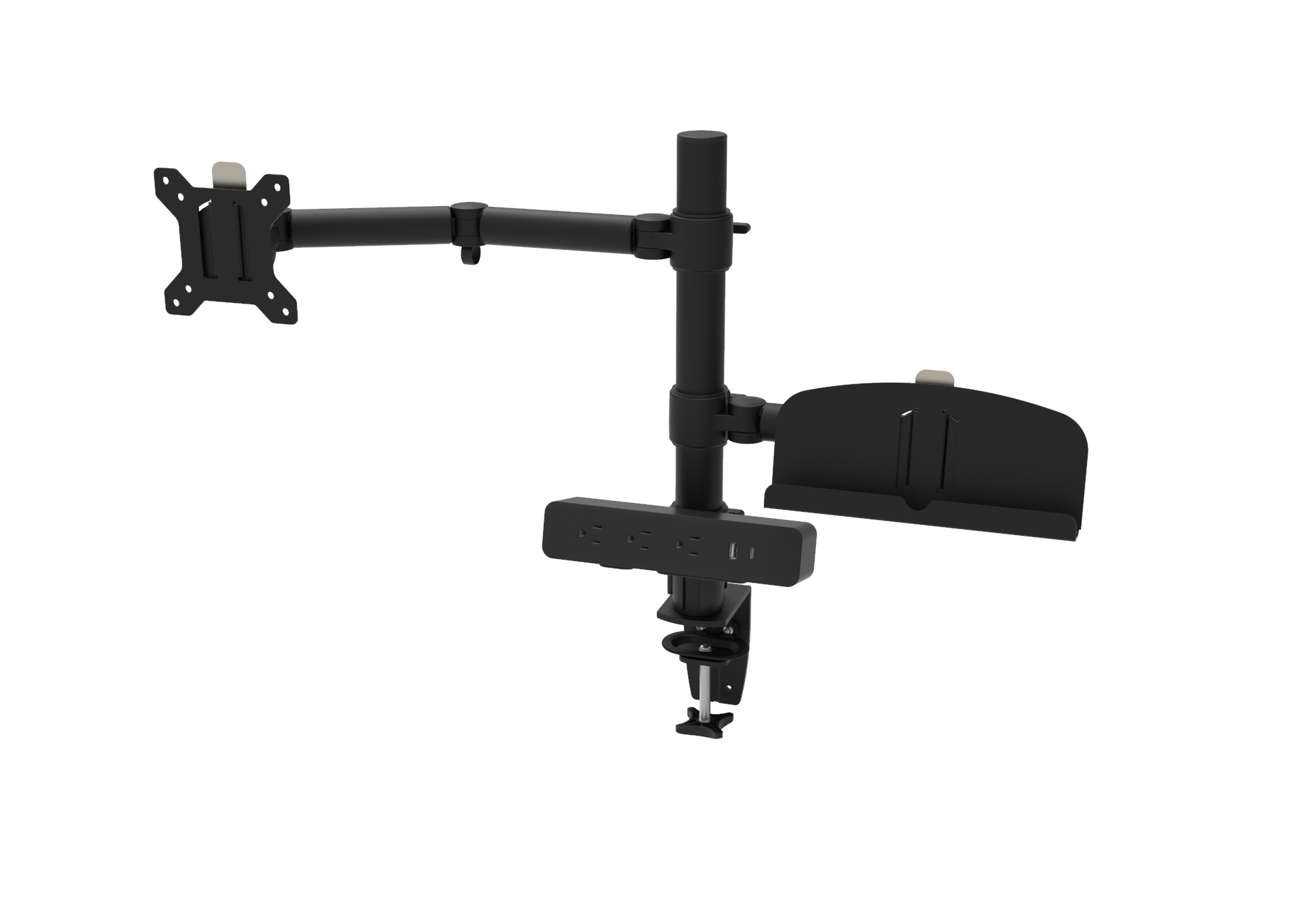
Combine AC outlets with USB-A and/or USB-C ports.
Look for smart charging chips and PD compliance when charging laptops and higher-power devices.
Add Wi-Fi or other radio modules for app control, scheduling, and energy metering.
Useful in offices for centralized control or in smart-home scenes to eliminate phantom load.
A professional selection process compares objective specs:
Voltage rating: Match the strip to mains—commonly 120V (North America) or 230V (most of Europe).
Maximum current (amps): Typical consumer strips are 10–15 A; ensure the strip matches or exceeds the expected load.
Power/Watts rating: Confirm total wattage capacity to prevent overload.
Joule rating (surge models): Higher is better; 600–1000 J is minimum for basic protection, 2000+ J for more sensitive or longer-life protection.
Clamping voltage & response time: Lower clamping voltage and fast response indicate better surge protection.
Cord gauge (AWG): Lower AWG numbers mean thicker, more capable cables (e.g., 14 AWG > 16 AWG).
Outlet spacing & layout: Ensure transformer/block plugs fit without blocking adjacent outlets.
Certifications: Third-party safety marks and test lab approvals are essential (look for recognized testing or certification marks relevant to your market).
Warranty & connected-equipment policy: Understand limits and claim procedures.
Safety is the non-negotiable factor when working with mains power.
Do not daisy-chain: Never plug one power strip into another—this can easily exceed current ratings and create a fire risk.
Avoid high-draw appliances: Space heaters, air conditioners, and similar devices should be connected directly to dedicated wall circuits unless the strip and circuit are explicitly rated for the load.
Ventilation: Keep strips on hard, flat surfaces; never under rugs or in enclosed spaces where heat can build.
Inspect regularly: Replace strips that have frayed cords, discoloration, burning smells, or damaged plugs.
Replace surge strips after major surges: MOVs wear out; indicators or manufacturer guidance will tell you when protection is no longer effective.
Follow manufacturer instructions: Mounting, load distribution, and environmental restrictions (indoor vs. outdoor) are important for safe operation.
Match product features to real-world needs:
Home office: Pick a surge-protecting strip with USB ports and a joule rating appropriate for computers and routers. Consider a smart strip if you want scheduling or remote shutdown.
Conference rooms / shared offices: Choose strips with multiple spaced outlets, robust cord length, and a secure mounting option. Smart energy monitoring can help control phantom loads.
Home theater / AV racks: Use surge protectors with high joule ratings, good clamping specs, and isolated circuits if sensitive audio/video gear is involved.
Workshops / heavy tools: Prefer industrial-rated PDUs or hardwired solutions rather than consumer strips; pay close attention to AWG and ampacity.
Mount securely using the strip's mounting slots to avoid accidental unplugging or stress on the cord.
Label outlets where useful (e.g., UPS, monitor, projector) to speed troubleshooting.
Unplug during storms if you expect severe lightning activity and want maximum safety (note: surge protectors can reduce risk but not eliminate it).
Recycle responsibly when disposing of electronic strips—follow local e-waste requirements and the manufacturer's guidance.
When buying for international markets, pay attention to electrical compatibility, labeling, and compliance. Products intended for the North American market should meet local electrical standards and plug types; products for the European market must match local voltage, plug shape, and regulatory requirements. Always verify that the unit's ratings, certifications, and user documentation are appropriate for your destination market.
A power strip is a practical and often essential accessory—but the right choice depends on the devices you plan to power, the environment, and safety needs. Prioritize certified surge protection for valuable electronics, match electrical ratings to expected loads, and follow safe installation and use practices. For offices or larger deployments, consider smart strips and energy monitoring to reduce waste and improve control.